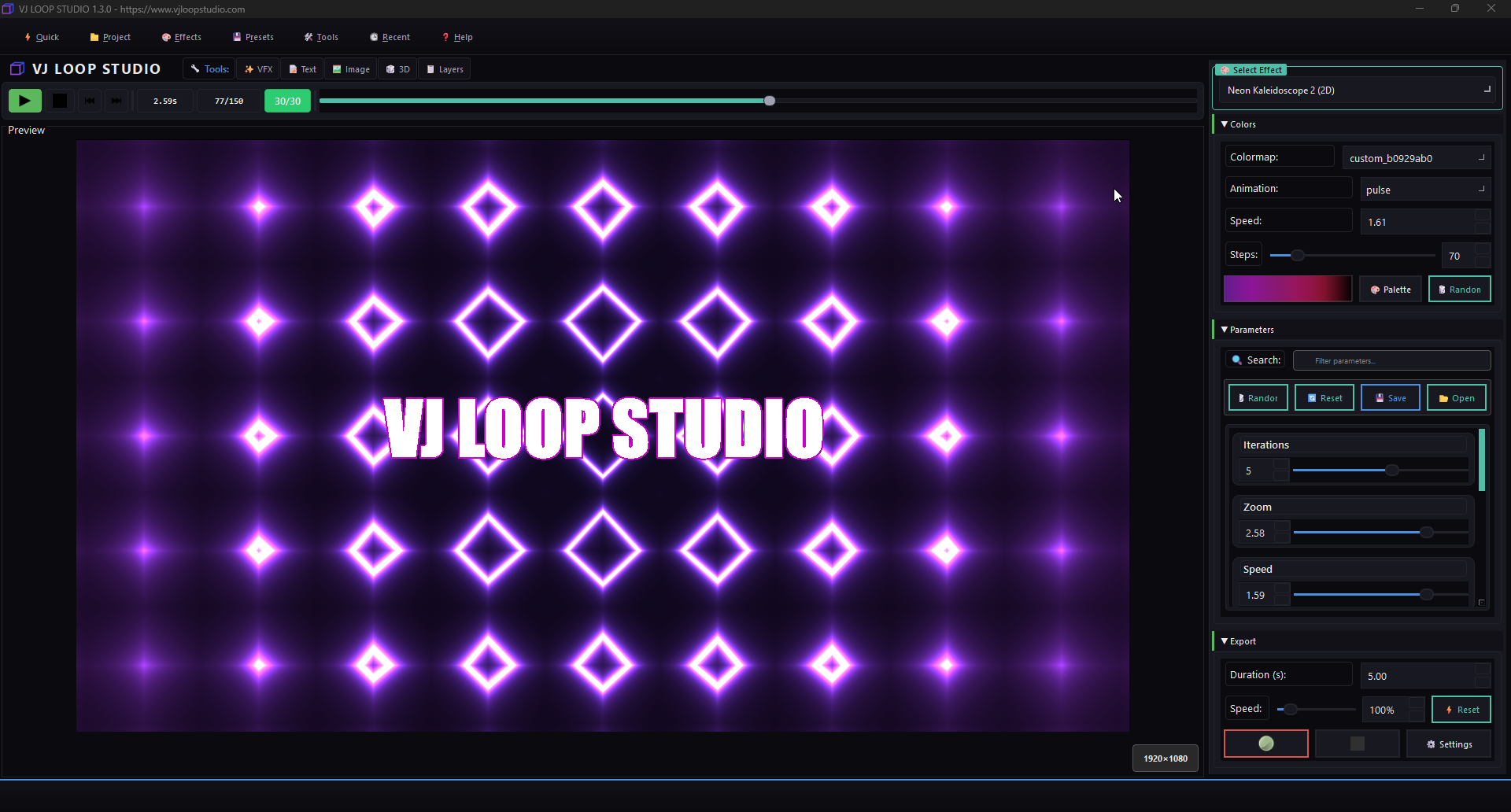
VJ Loop Studio Neon Effects Screen

How to Create Custom VJ Loops for LED Walls

How to Create Custom VJ Loops for LED Walls Creating eye-catching visuals for LED walls is easy with VJ Loop Studio. Follow this guide to design, customize, and export your own VJ loops for any LED installation. 1. Start a New Project Open VJ Loop Studio and click New Project. Choose your LED wall resolution (e.g., 192x64, 384x128, or custom). 2. Select an Effect Generator Browse the built-in effect generators: ...

June 23, 2024 · 2 min · VJ Loop Studio Team
VJ Loop Studio Neon Effects Screen

How to Export VJ Loops for Resolume, MadMapper, and TouchDesigner

How to Export VJ Loops for Resolume, MadMapper, and TouchDesigner Exporting your custom VJ loops from VJ Loop Studio for use in popular VJ and mapping software is easy! This guide will walk you through the process, ensuring your visuals look stunning in Resolume, MadMapper, and TouchDesigner. 1. Prepare Your Visuals Before exporting, make sure your effect is ready: Select or create the effect you want to export. Adjust parameters, colors, and animation speed as needed. 2. Open the Export Panel Click the Export button or navigate to the export controls: ...

June 23, 2024 · 2 min · VJ Loop Studio Team