What Is a VJ Loop? A Beginner’s Guide
If you’re new to the world of live visuals, you might have heard the term VJ loop—but what does it actually mean? This guide will explain everything you need to know about VJ loops, why they’re important, and how you can start using them in your own shows.
What Is a VJ Loop?
A VJ loop is a short, seamlessly repeating video clip designed for live visual performances. VJs (Video Jockeys) use these loops to create dynamic backgrounds, effects, and visual stories during concerts, club nights, festivals, and events.
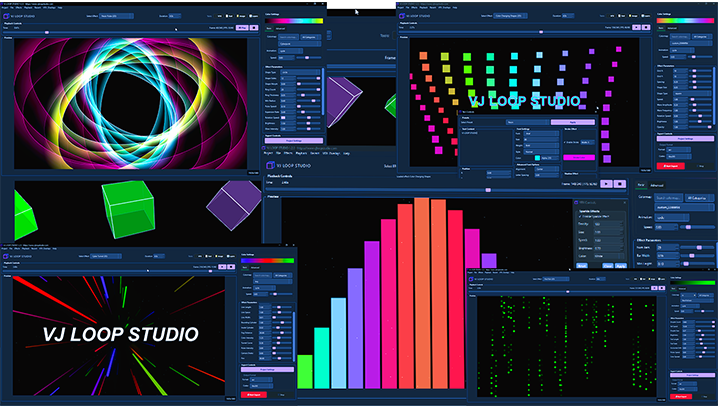
- Seamless: The end of the video matches the beginning, so it can play endlessly without a visible jump.
- Short: Most loops are 4–30 seconds long.
- Visual: They can be abstract, geometric, 3D, animated text, or anything that looks great on a screen or LED wall.
How Are VJ Loops Used?
VJ loops are loaded into VJ software (like Resolume, MadMapper, TouchDesigner, or VJ Loop Studio) and played back in real time. VJs mix, layer, and manipulate these loops to match the music and energy of the event.
- Clubs & Festivals: Loops are projected onto LED walls, screens, or stage backdrops.
- Live Streams: VJs use loops to enhance online performances.
- Art Installations: Loops can be part of interactive or generative art pieces.
What Makes a Good VJ Loop?
- Smooth Looping: No visible jump or glitch at the end.
- High Contrast: Looks good on bright LED walls and in dark clubs.
- Flexible: Works with different music styles and tempos.
- Creative: Unique visuals that stand out.
How to Get Started with VJ Loops
- Download Free or Paid VJ Loops: Many websites offer VJ loop packs for beginners.
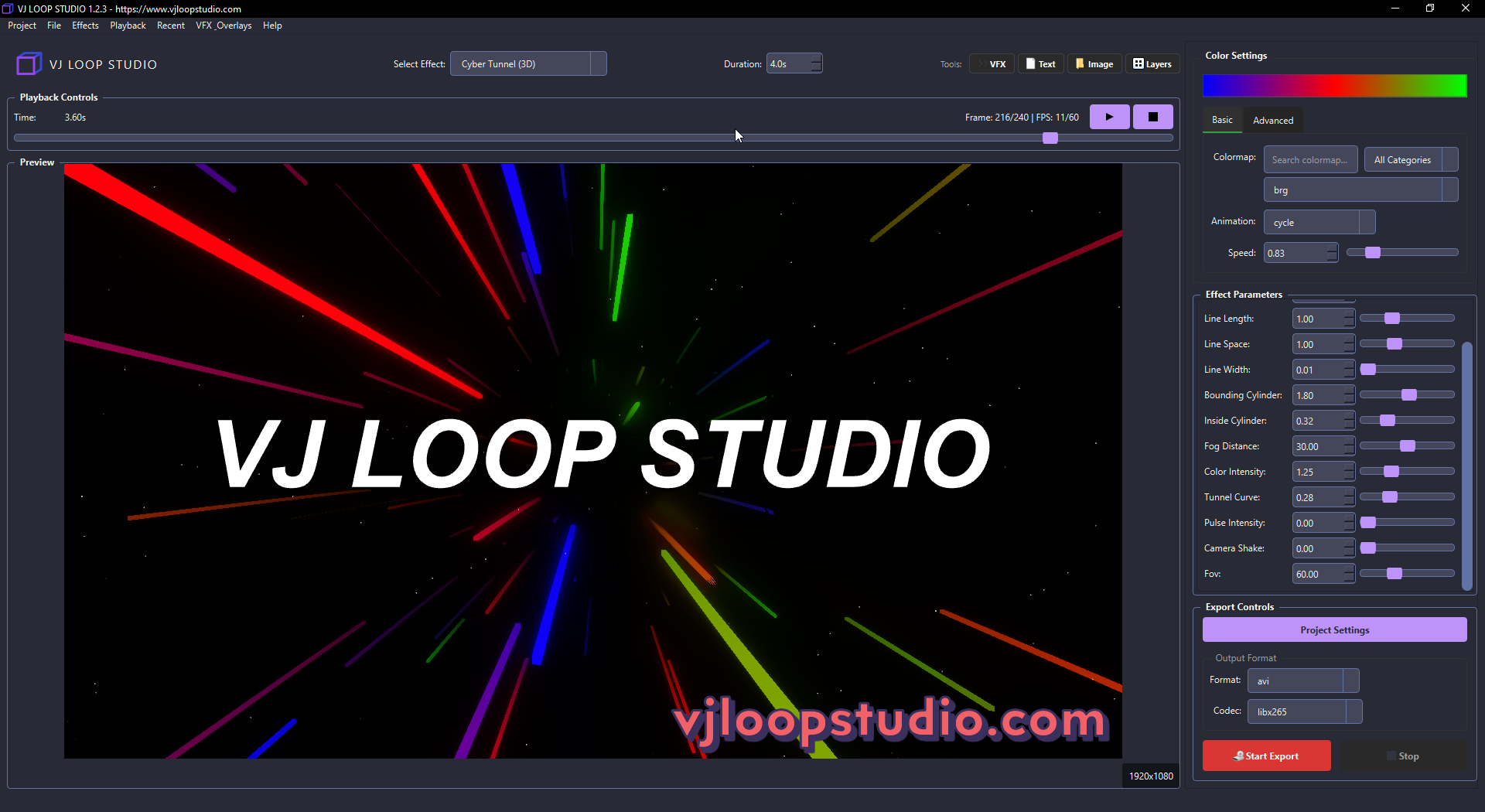
- Create Your Own: Use software like VJ Loop Studio to design custom loops.
- Experiment: Try different effects, colors, and speeds to see what works for your setup.
File Formats and Compatibility
Most VJ loops are exported as MP4, MOV, or AVI files. For best results, use:
- MP4 (H.264): Widely supported and efficient.
- MOV (ProRes): For high quality and alpha channel (transparency).
- Image Sequences (PNG): For advanced setups.
Tip: Always check your VJ software’s documentation for supported formats.
Why Use VJ Loops?
- Instant Visuals: No need to create visuals from scratch during a show.
- Professional Look: Seamless loops make your visuals look polished.
- Creative Freedom: Mix and match loops to create endless combinations.
Ready to Try?
VJ loops are the building blocks of live visual performances. Whether you’re a DJ, event producer, or just curious, learning to use VJ loops will open up a world of creative possibilities.
Want to create your own VJ loops? Download VJ Loop Studio and start experimenting today!