The Live Console in VJ Loop Studio 3D

Spout Output: Feed OBS, Resolume, and the Rest of Your Rig

Spout is how live visuals move between applications on a Windows machine. One app sends frames, another receives them — with no file, no network, and no compression in between. It is the standard handshake in the VJ world for a simple reason: the frames stay on the GPU, so the transfer is essentially free. This guide covers the two setups you will actually use — OBS Studio for streaming and recording, and Resolume for mapping and mixing — plus the others that speak Spout, and why VJ Loop Studio 3D is built to be the best sender in that chain. ...

August 6, 2026 · 8 min · VJ Loop Studio 3D
The Audio Link editor in VJ Loop Studio 3D

Audio-Reactive Visuals: Every Source, Route, and Modulator Explained

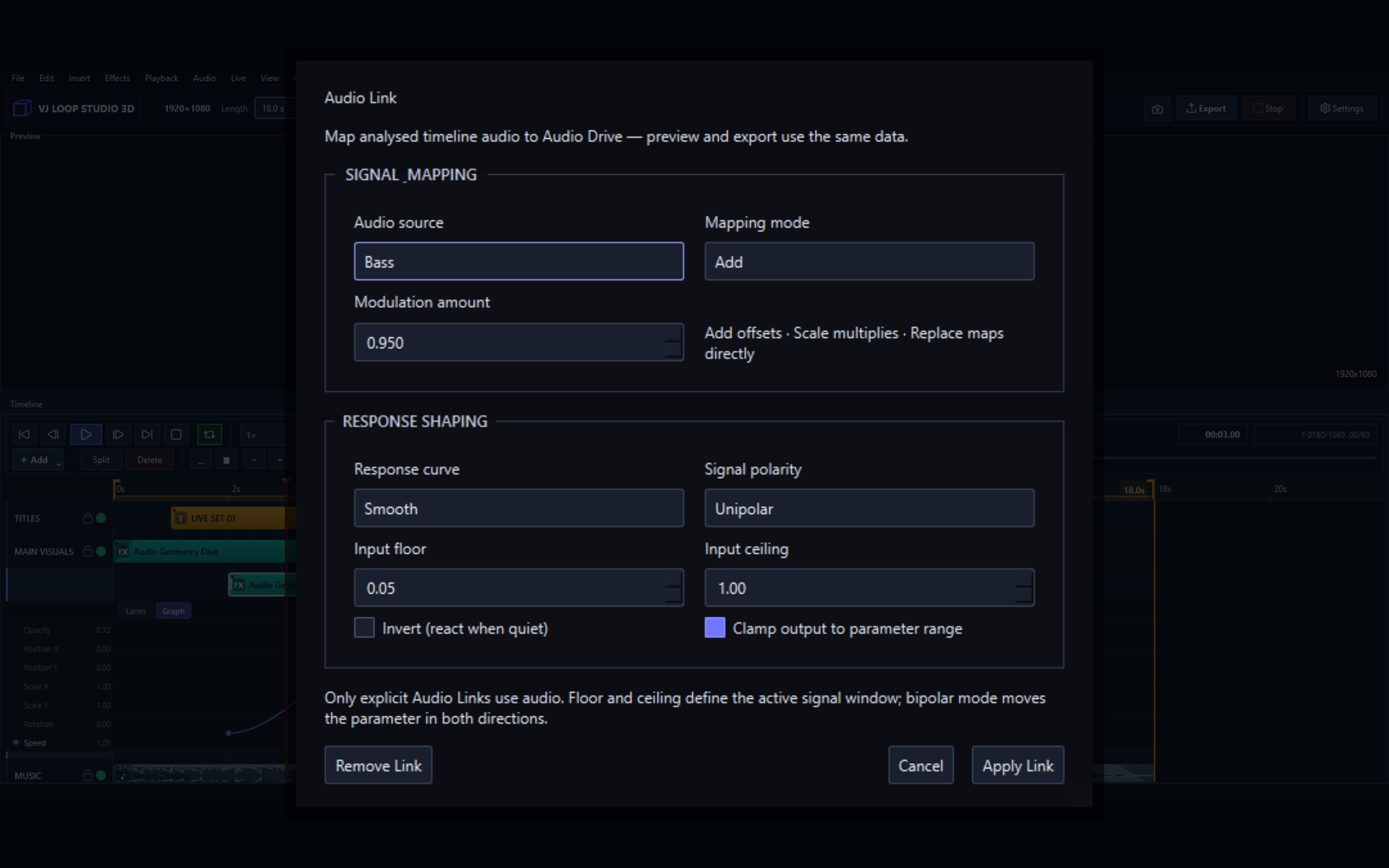
Two systems drive motion in VJ Loop Studio 3D: Audio Link, which follows real sound, and modulators, which generate their own. They target the same thing — any numeric parameter on a clip — and they are often best used together. This guide covers both, and the one behaviour that surprises people: why a render does not match the live preview exactly. Audio reactivity at a glance Audio sources Bass, Midrange, Treble, Loudness (RMS), Detected Beat, Low Blend, High Blend, Body, Spectral Brightness Modulator shapes Sine, Triangle, Saw, Envelope, Random Step, Sample & Hold, Macro Route modes Add or multiply, unipolar or bipolar Tempo Tap tempo, project BPM, tempo-synced modulators Targets Any numeric effect parameter, per clip Audio Link: following real sound Every numeric parameter in the inspector has a small ~ button beside it. Click it to open the Audio Link editor for that parameter. ...

July 31, 2026 · 7 min · VJ Loop Studio 3D
VJ Loop Studio 3D routed into other VJ software

Send VJ Loop Studio 3D Into Resolume, OBS, TouchDesigner, and MadMapper

VJ Loop Studio 3D is a generator, not a mixer — so it is built to feed the mixer you already use. There are three ways out of it: Spout for another app on the same PC, NDI for another machine, and rendered files for anything else. This guide covers when to use each, and the specific settings for the apps VJs actually run. Integration at a glance Live to other apps Spout (same PC, GPU-to-GPU) and NDI (same PC or across the network) Live to a screen Fullscreen mirror on any connected display or projector File handover MP4, MKV, AVI, MOV, GIF — H.264, H.265/HEVC, VP9 Confirmed destinations Resolume Arena/Avenue, OBS Studio, TouchDesigner, MadMapper, Notch, vMix, Millumin Latency Spout is frame-local; NDI adds a small network buffer Platform Windows 10/11 (64-bit) Pick a route in one decision Your situation Use Why Resolume/OBS on the same Windows PC Spout GPU-to-GPU, no compression, no added latency Mixer or encoder on another machine NDI Travels over normal gigabit Ethernet Driving a projector or LED processor directly Fullscreen output No third app in the chain at all Handing visuals to an editor, client, or a media server Export a file Deterministic, seekable, no live dependency You can run more than one at once — a fullscreen output on the projector while NDI feeds the stream encoder is a normal setup. ...
July 31, 2026 · 7 min · VJ Loop Studio 3D
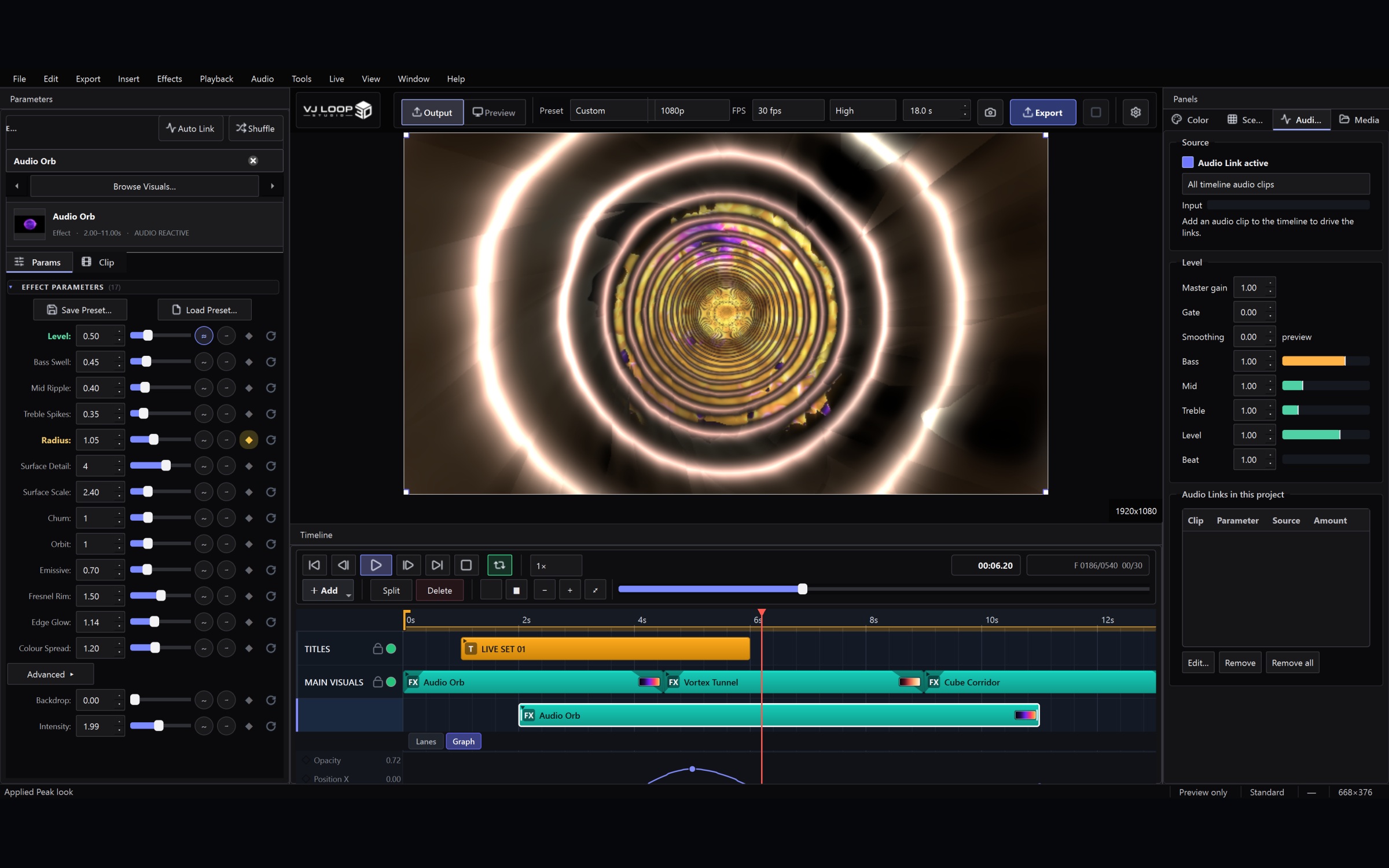
Audio-reactive setup in VJ Loop Studio 3D

Setting Up for a Live Set: Outputs, MIDI, and a Blackout You Can Trust

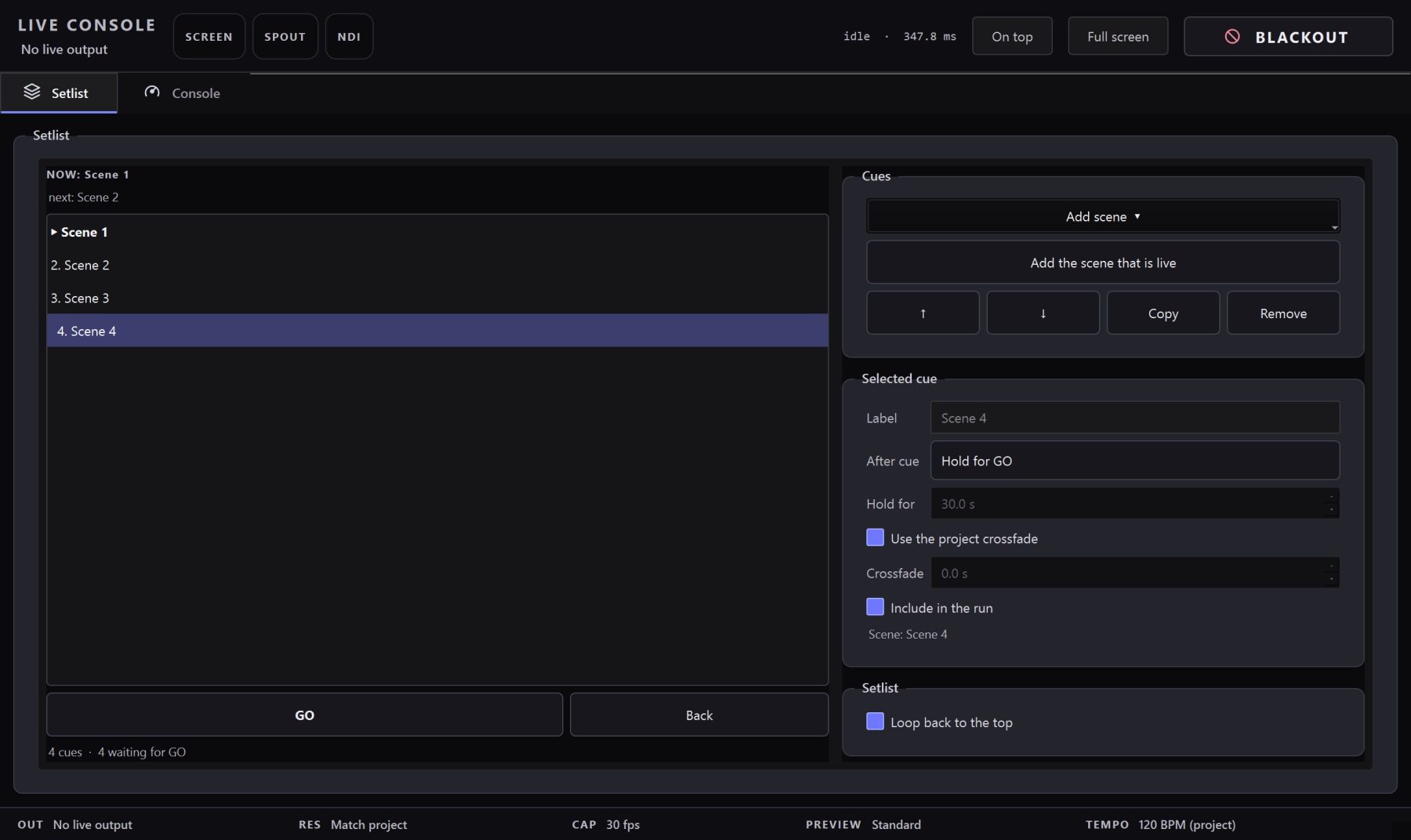
This is the checklist to work through before a set, in the order that matters. It assumes you already have a project with a few scenes in it. 1. Open the Live Console first Ctrl+Shift+L. Everything below lives in this one window, and it is non-modal — put it on your laptop screen with the main window on the other display and leave it open. The Status block at the top tells you what is actually going out and how fast frames are being drawn. If something is not reaching the projector, this is where you will see it. ...

July 31, 2026 · 4 min · VJ Loop Studio 3D
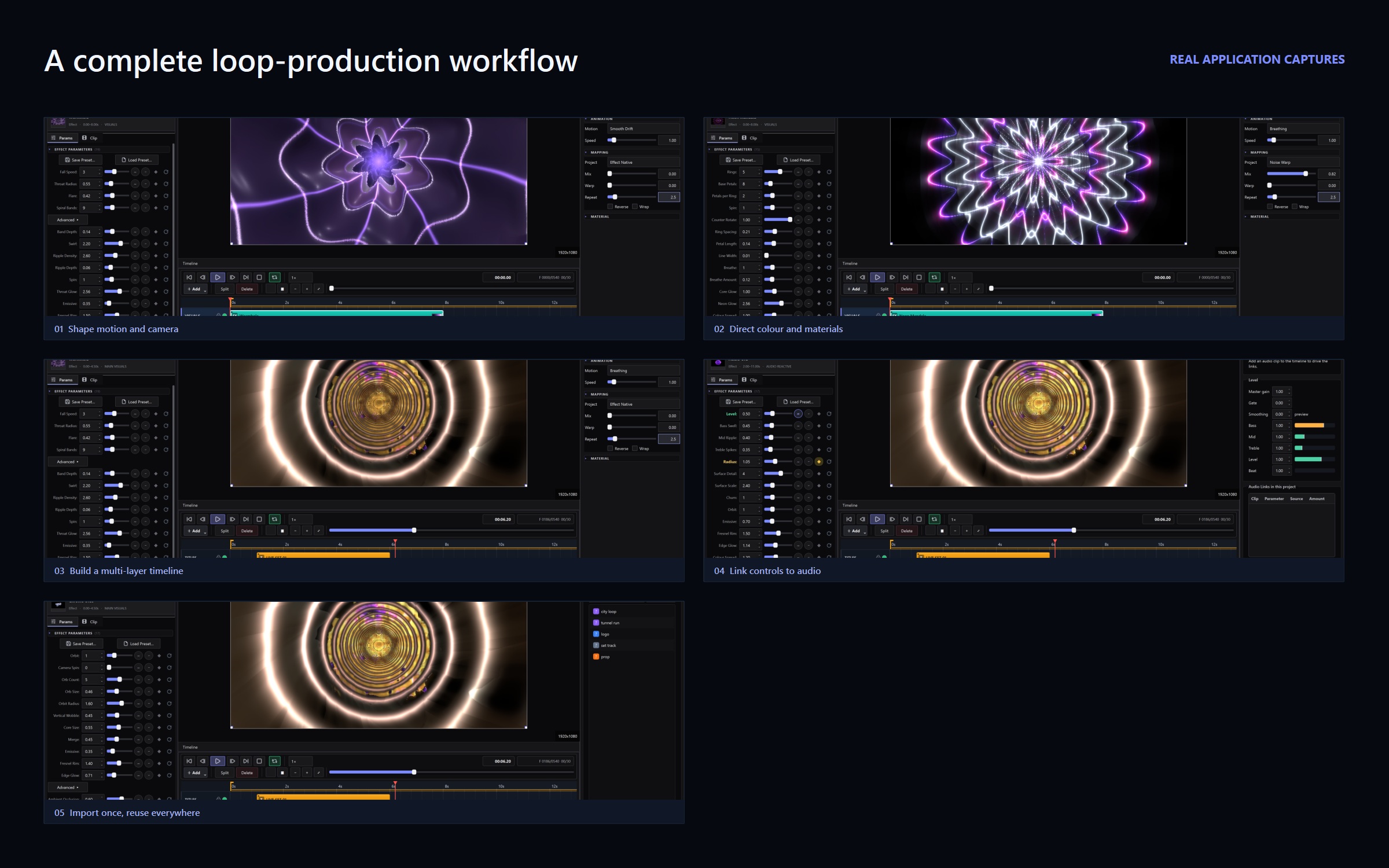
VJ Loop Studio 3D workflow, captured from the application

What's New: Live Console, Media Pool, and a Glitch Effect Family

This update is about performing, not just producing. Everything below is aimed at the moment when the lights are down, a controller is under your hands, and hunting through a menu is not an option. Live Console Every live setting used to live in the Live menu — screen output, Spout, NDI, output resolution, frame-rate cap, performance mode, MIDI and OSC. That is workable while you build a show and wrong during one. ...

July 31, 2026 · 5 min · VJ Loop Studio 3D
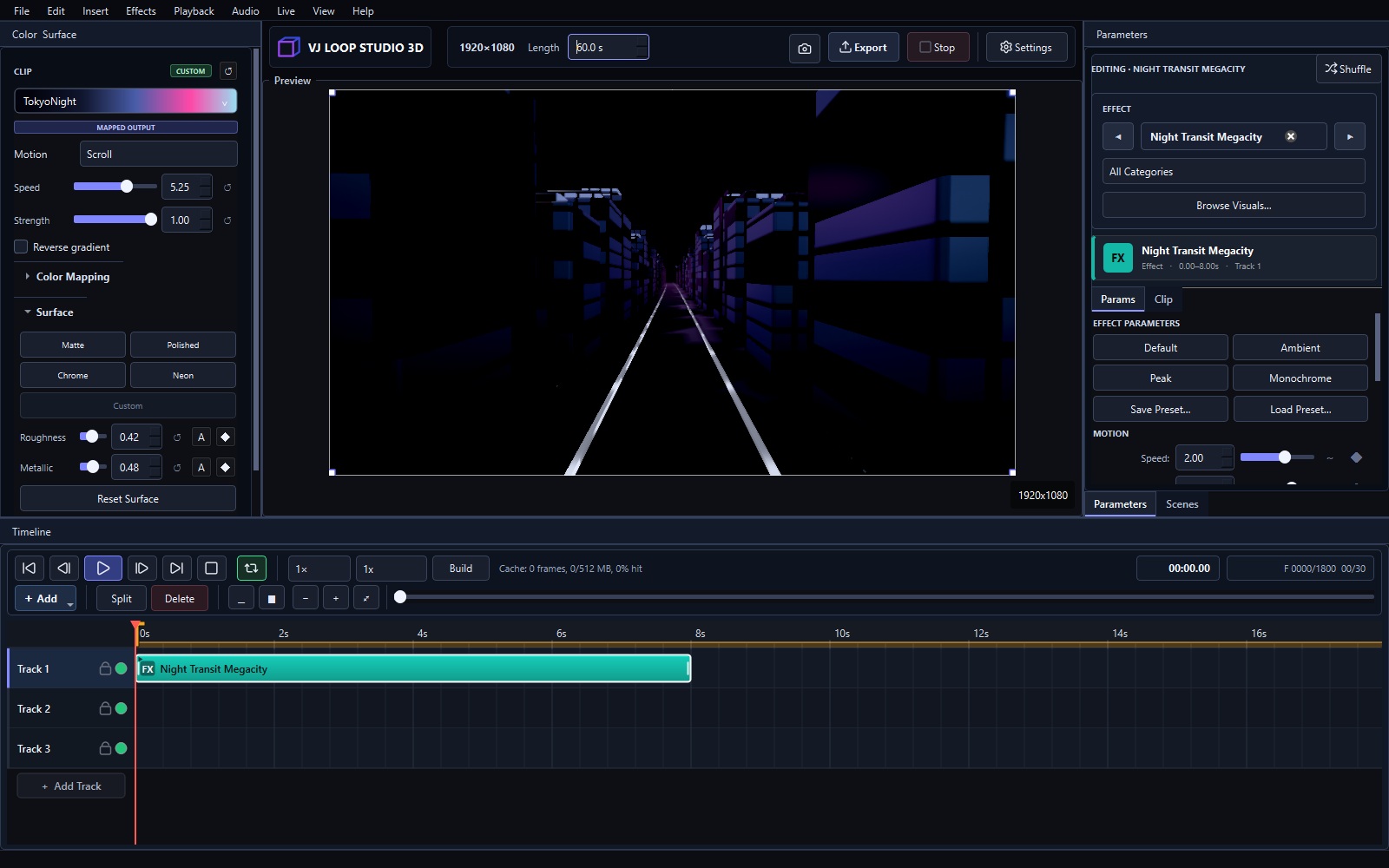
VJ Loop Studio 3D 1.1.0 launch preview

VJ Loop Studio 3D 1.1.0 Is Here

VJ Loop Studio 3D 1.1.0 is the first official release of our Windows visual-production studio. It brings effect design, 3D scenes, timeline animation, audio response, color control, and final video export into one project-based workflow. 124 Curated Built-In Effects The library contains 124 effects across eight groups: 3D Scenes for environments, cities, monuments and camera flights Stage Essentials for washes, strobes, beams, bars and the workhorse looks of a set 2D Graphics for patterns, mandalas, kaleidoscopes and full-frame studies 3D Tunnels for corridors, portals, wormholes and forward motion Geometry & Material for chrome, glass, prisms and reflective objects Fractals for Mandelbulbs, Apollonian packings and raymarched detail Glitch for datamosh, RGB shift, VHS and signal-loss artefacts Particles & Fields and Volume & Organic for drift, noise and luminous forms Every effect is built into the application and exposes focused controls for motion, composition, palette, and rendering. ...

July 11, 2026 · 2 min · VJ Loop Studio 3D