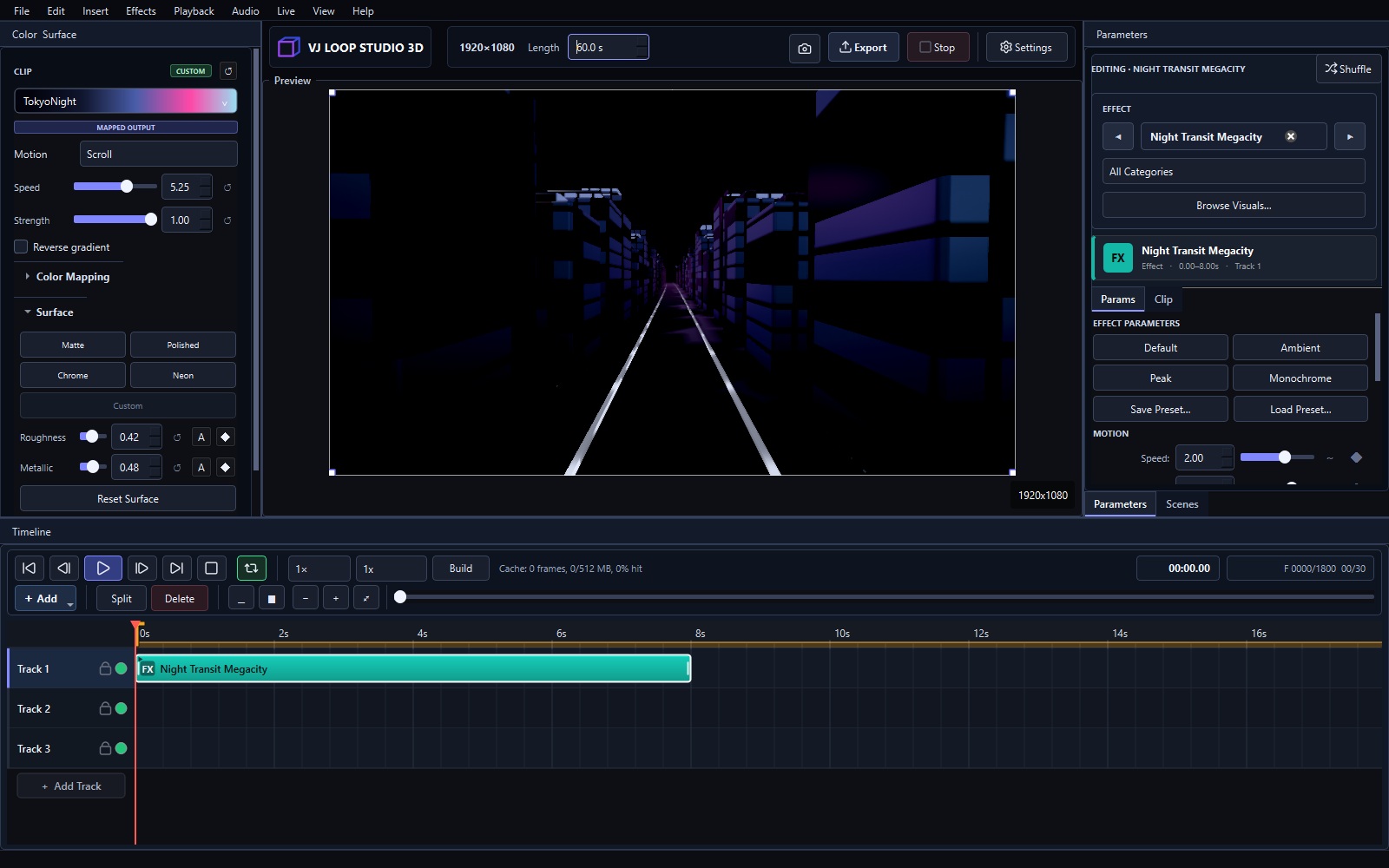
VJ Loop Studio vs Resolume: Generator or Live Mixer?
VJ Loop Studio 3D and Resolume both appear in VJ booths, but they do different jobs. One makes the visuals. The other performs them live. Most professional VJs eventually use both. Short Answer Choose VJ Loop Studio 3D (€99 + VAT once) if you need original loops: 124 effects, timeline, audio reactivity, video export. Choose Resolume (paid, check current pricing) if you mix clips live in clubs: triggering, effects chains, MIDI control, rock-solid playback. Use both: generate loops in VJ Loop Studio, perform them in Resolume via video files or live Spout feed. Comparison VJ Loop Studio 3D Resolume Arena / Avenue Price €99 + VAT, one-time Paid license (check current pricing) Core job Generate original loops Mix and perform clips live Effect library 124 built-in generators Live effects + FFGL plugins Timeline Multi-track loop composition Clip triggering + autopilot Audio reactivity Built-in modulators Audio FFT + envelope followers Video export Yes, presets for destinations Recording supported Spout/NDI Output to other software Full Spout/NDI in and out Learning curve Days Days to weeks Best for Content creation Live performance Where Resolume Wins Live performance. Clip triggering, layer mixing, MIDI-mapped controls, and bulletproof playback under pressure — that is what Resolume was built for over two decades. No generator replaces a live mixer in the booth. ...