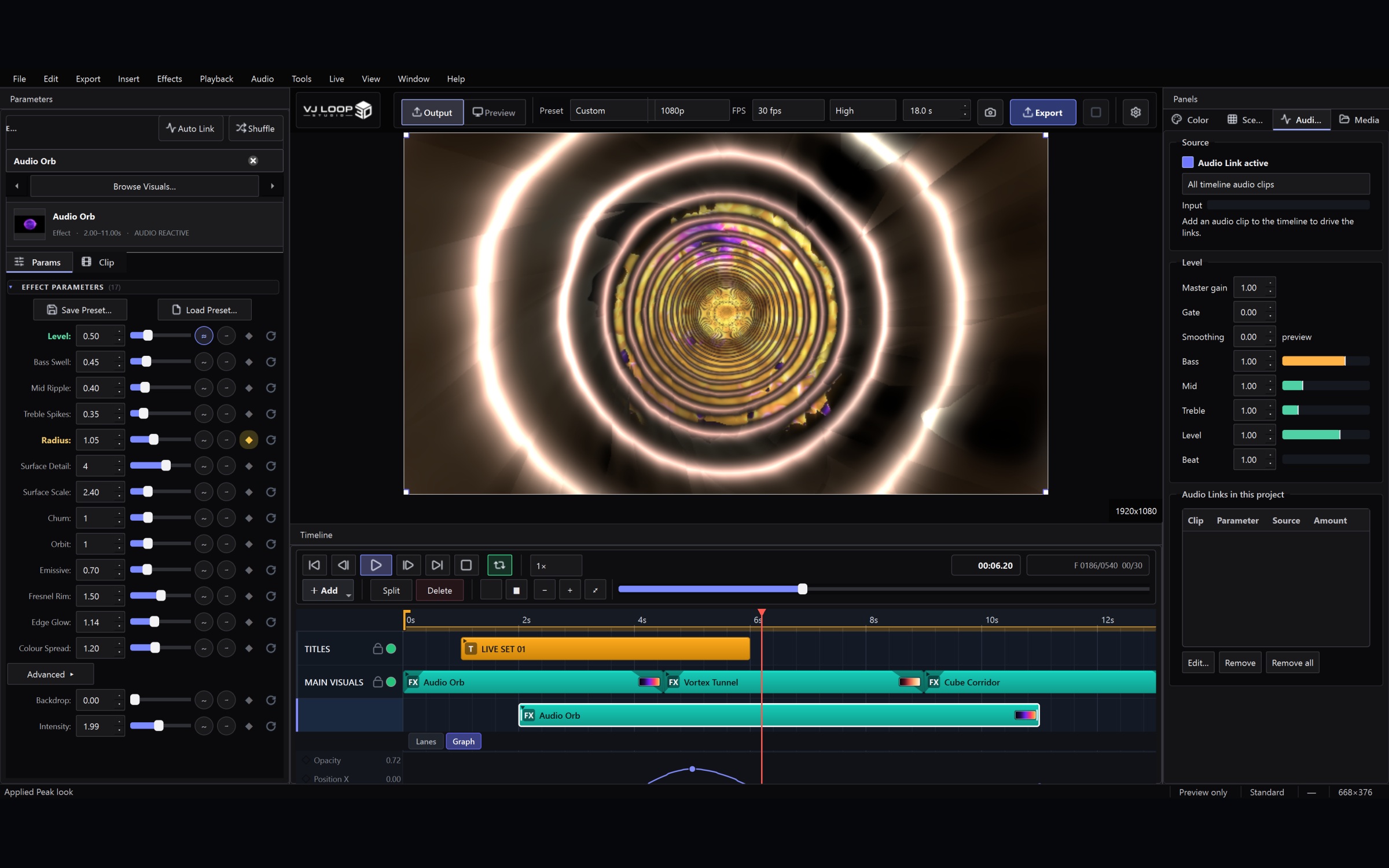
Setting Up for a Live Set: Outputs, MIDI, and a Blackout You Can Trust
This is the checklist to work through before a set, in the order that matters. It assumes you already have a project with a few scenes in it. 1. Open the Live Console first Ctrl+Shift+L. Everything below lives in this one window, and it is non-modal — put it on your laptop screen with the main window on the other display and leave it open. The Status block at the top tells you what is actually going out and how fast frames are being drawn. If something is not reaching the projector, this is where you will see it. ...