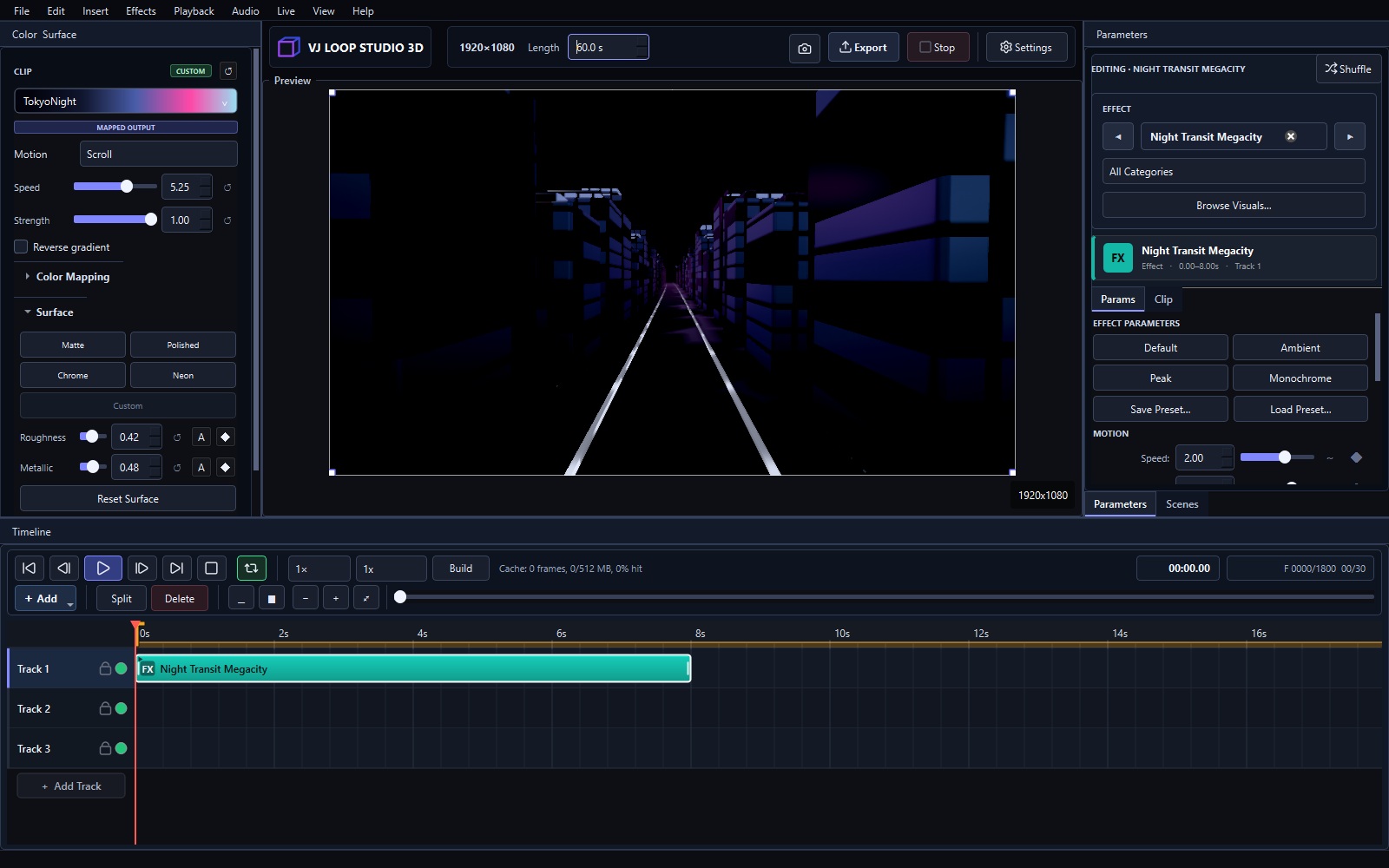
Create Your First Visual in VJ Loop Studio 3D
This walkthrough creates a short 1920×1080 loop using a built-in effect. It uses the same project, preview, timeline, and export workflow as a larger production. 1. Set the project Open Settings and choose 1920×1080, 30 fps, and an 8-second duration. MP4 with H.264 is a practical first export format. 2. Choose a visual Open Browse Visuals in the Parameters panel. Select Neon City, or choose any scene from the eight effect groups. ...