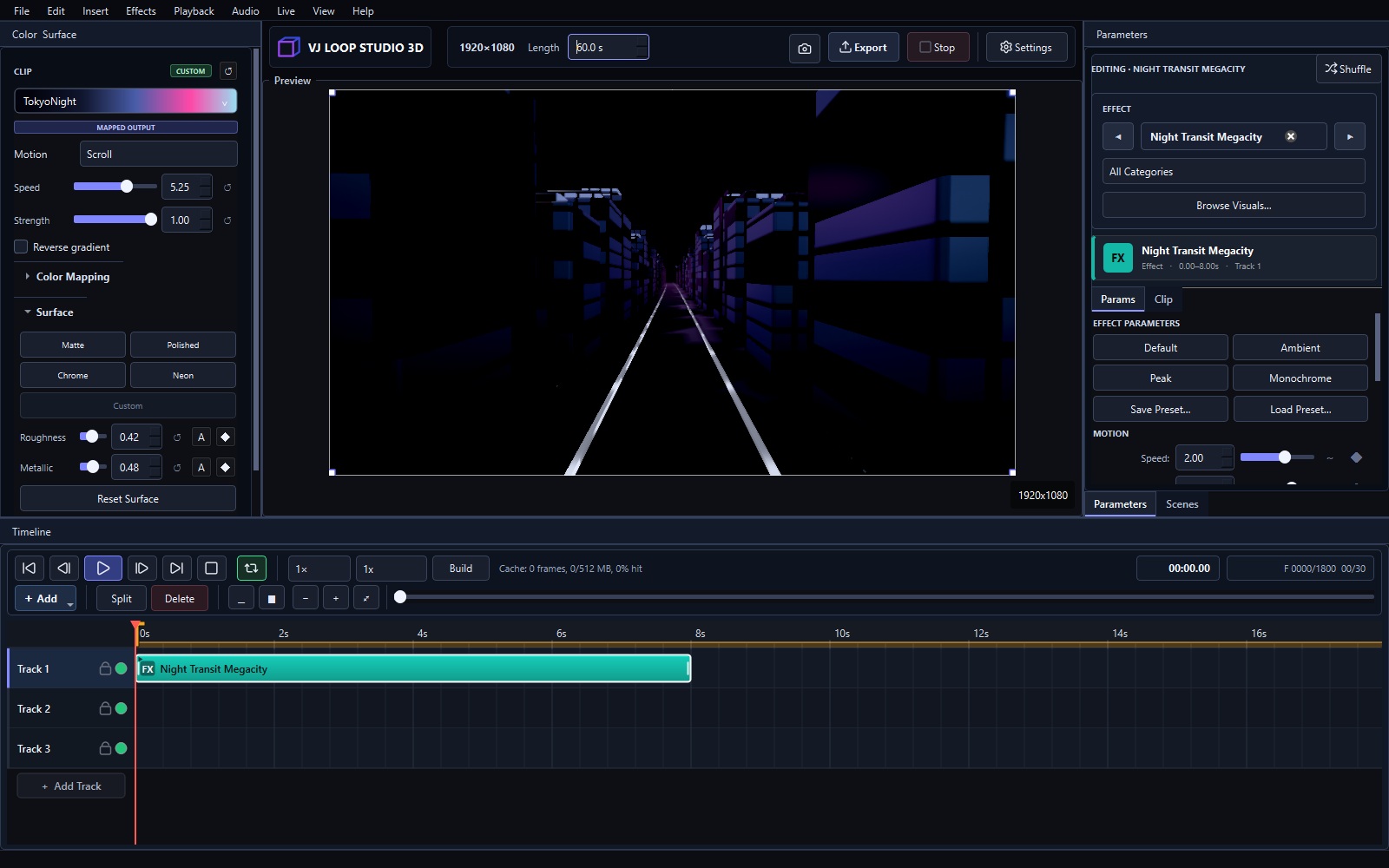
VJ Loop Studio vs MadMapper: Loops or Mapping?
VJ Loop Studio 3D and MadMapper meet on real stages: one makes the moving images, the other puts them exactly where they belong — on buildings, sculptures, and LED walls. Different jobs, natural partners. Short Answer Choose VJ Loop Studio 3D (€99 + VAT once) if you need original loop content: 124 effects, timeline, export, Spout/NDI output. Choose MadMapper (paid, check current pricing) if you project onto surfaces: mapping, warping, spatial calibration, multi-projector shows. Use both: generate loops, feed them into MadMapper via video files or live Spout/NDI. Comparison VJ Loop Studio 3D MadMapper Price €99 + VAT, one-time Paid license (check current pricing) Core job Generate VJ loops Map video onto surfaces Content library 124 built-in effects Plays your content, minimal built-in Mapping/warping No Yes — the whole point of the tool Multi-projector No Yes, with calibration Spout/NDI Output to mapping software Full input support Learning curve Days Days (mapping craft takes practice) Best for Content creation Projection mapping shows Where MadMapper Wins Anything involving surfaces. Warping a facade, blending projectors, calibrating LED walls — that is mapping craft, and MadMapper is built for it. A loop generator cannot do this job. ...