Best VJ Software 2026: 7 Tools Compared
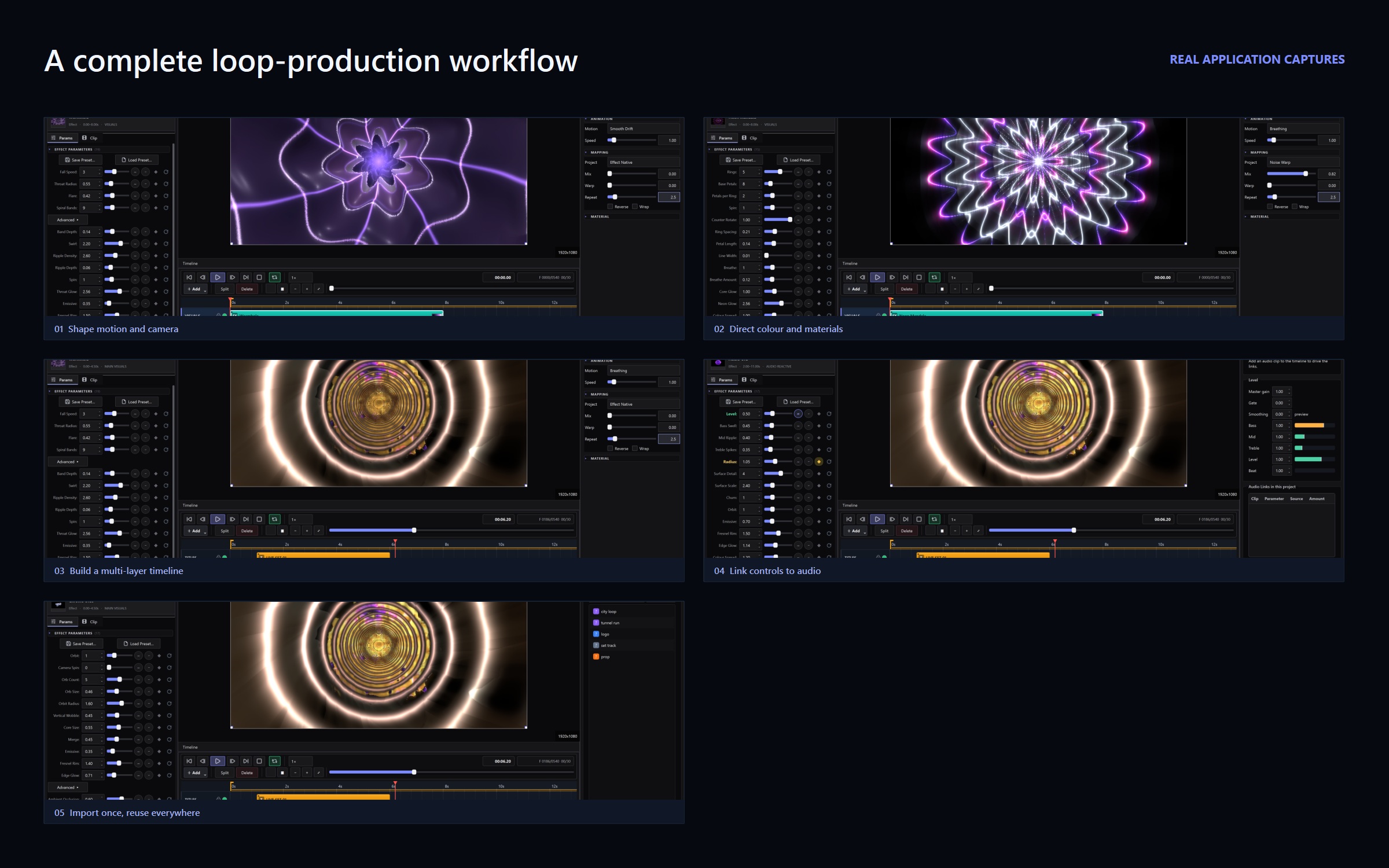
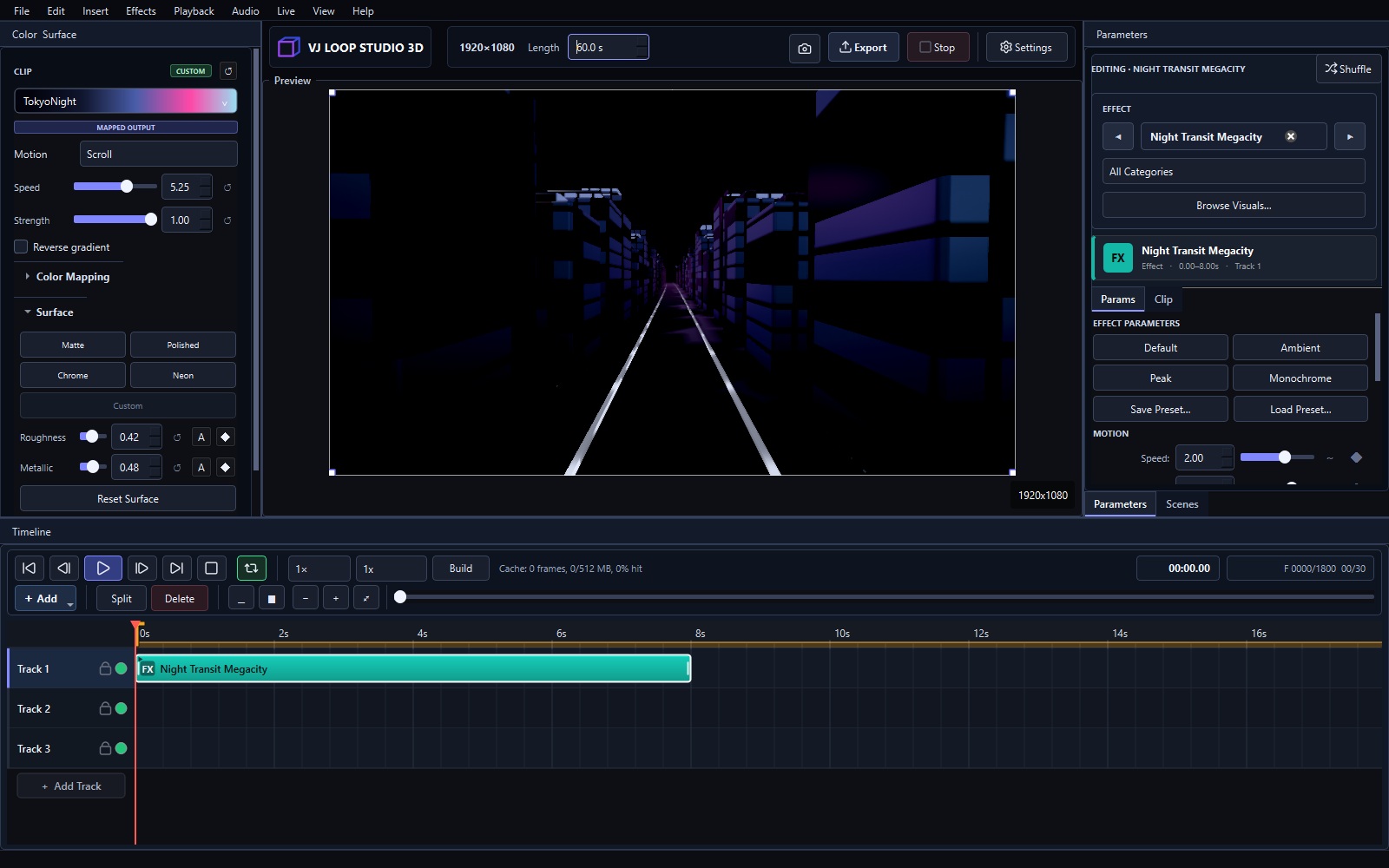
No single program covers all of VJing. The right tool depends on whether you generate visuals, mix them live, map them onto surfaces, or just need something free to start. Here are the seven tools that matter in 2026, honestly compared. Quick Ranking # Software Price Best for 1 VJ Loop Studio 3D €99 + VAT once Generating original VJ loops 2 Resolume Arena / Avenue Paid (check current pricing) Live clip mixing in clubs 3 MadMapper Paid (check current pricing) Projection mapping 4 TouchDesigner Free + paid tiers Custom interactive systems 5 OBS Studio Free Streaming mixed visuals 6 Synesthesia Paid subscription Audio-reactive live scenes 7 Magic Music Visuals Paid Beginner live visuals 1. VJ Loop Studio 3D — Best for Generating Loops 124 built-in effects, multi-track timeline, audio-reactive controls, Spout and NDI live output, and video export — for a one-time €99 + VAT. If your problem is “I need original loops,” this is the fastest answer. Pricing explained · Full tutorial ...