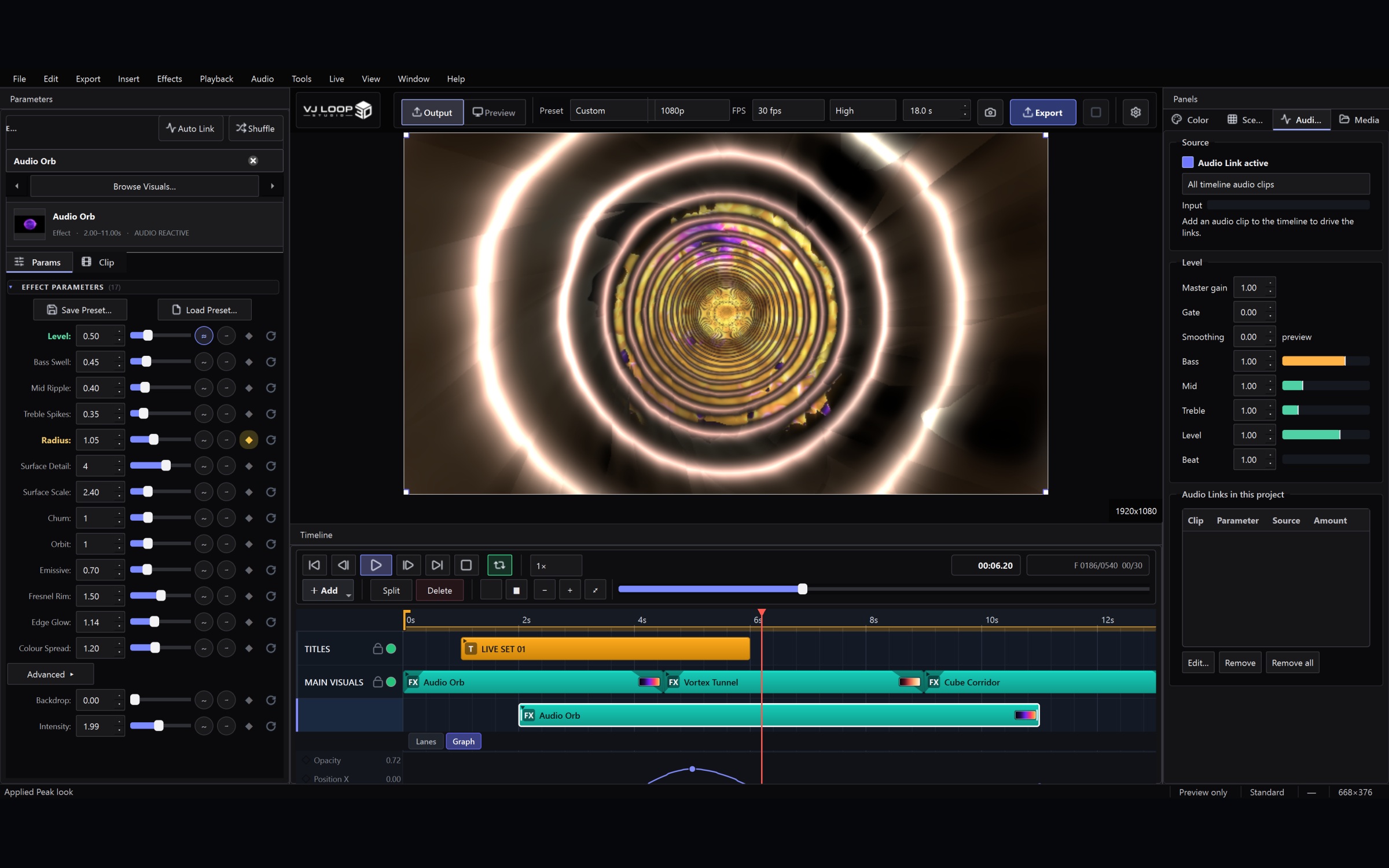
Audio-reactive setup in VJ Loop Studio 3D

Setting Up for a Live Set: Outputs, MIDI, and a Blackout You Can Trust

This is the checklist to work through before a set, in the order that matters. It assumes you already have a project with a few scenes in it. 1. Open the Live Console first Ctrl+Shift+L. Everything below lives in this one window, and it is non-modal — put it on your laptop screen with the main window on the other display and leave it open. The Status block at the top tells you what is actually going out and how fast frames are being drawn. If something is not reaching the projector, this is where you will see it. ...
July 31, 2026 · 4 min · VJ Loop Studio 3D
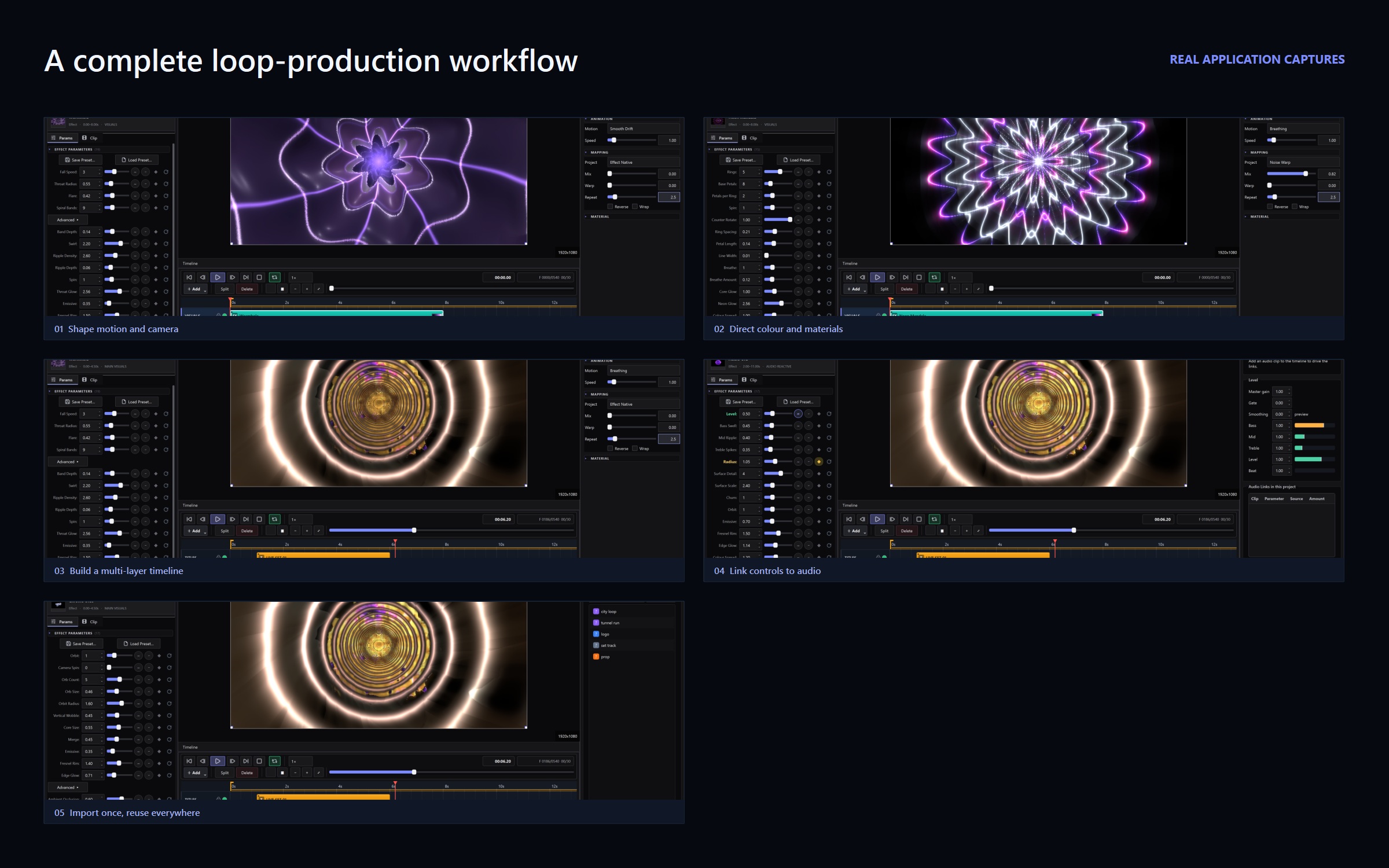
VJ Loop Studio 3D workflow, captured from the application

What's New: Live Console, Media Pool, and a Glitch Effect Family

This update is about performing, not just producing. Everything below is aimed at the moment when the lights are down, a controller is under your hands, and hunting through a menu is not an option. Live Console Every live setting used to live in the Live menu — screen output, Spout, NDI, output resolution, frame-rate cap, performance mode, MIDI and OSC. That is workable while you build a show and wrong during one. ...

July 31, 2026 · 5 min · VJ Loop Studio 3D