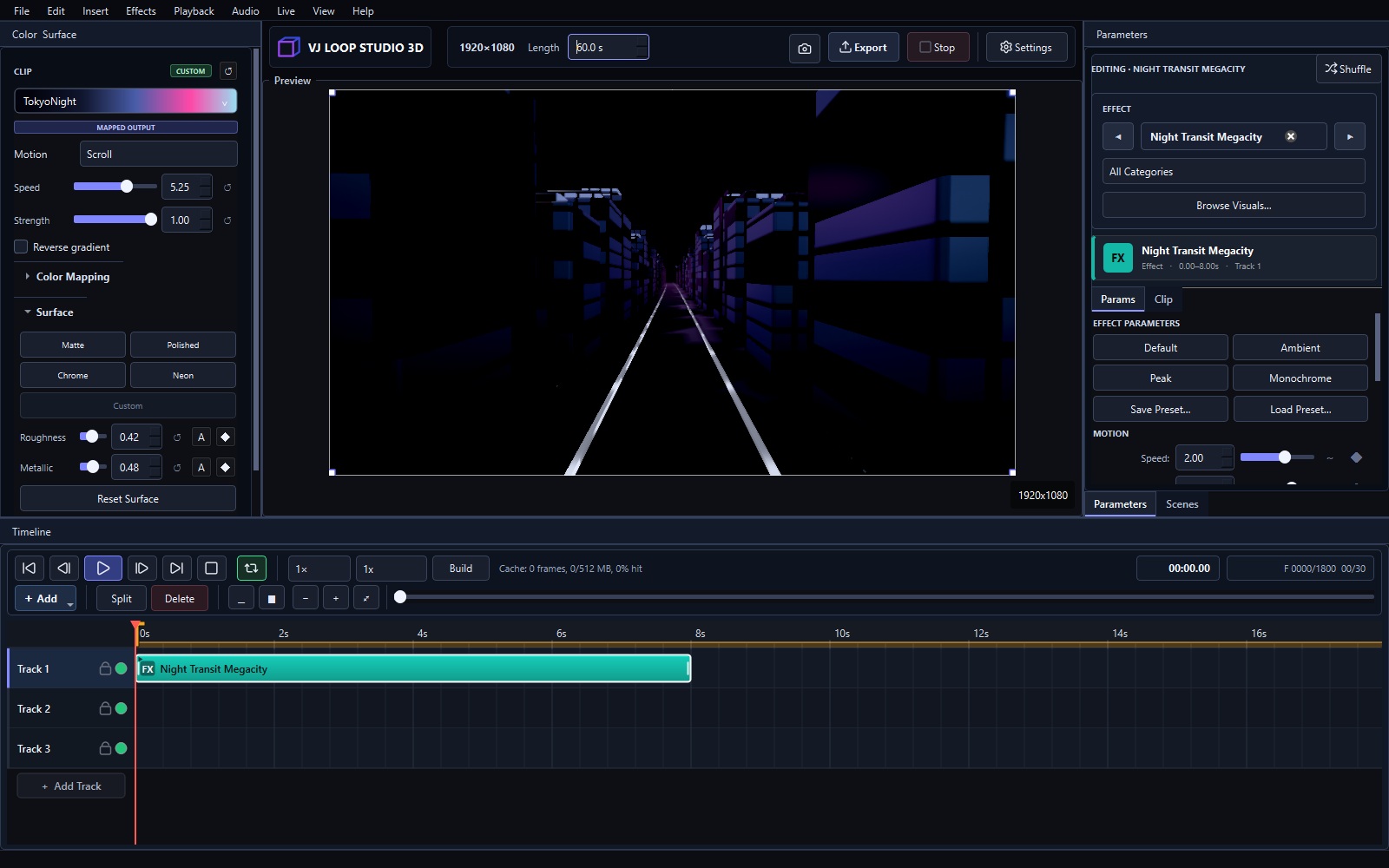
VJ Loop Studio 3D timeline for making seamless VJ loops

How to Make VJ Loops: Complete Beginner Guide

Making a VJ loop means producing a short video clip that repeats seamlessly — its last frame must flow into its first with no visible jump. This guide walks through the complete beginner workflow: planning the length, choosing a visual, making the loop seamless, and exporting. If you want a hands-on first project instead, start with the first visual tutorial. 1. Pick a Loop Length That Matches the Music A loop should be long enough to feel musical and short enough to stay in memory. The rule of thumb is 4 to 30 seconds, matched to a whole number of bars at the set’s tempo: ...
July 31, 2026 · 3 min · VJ Loop Studio 3D Team
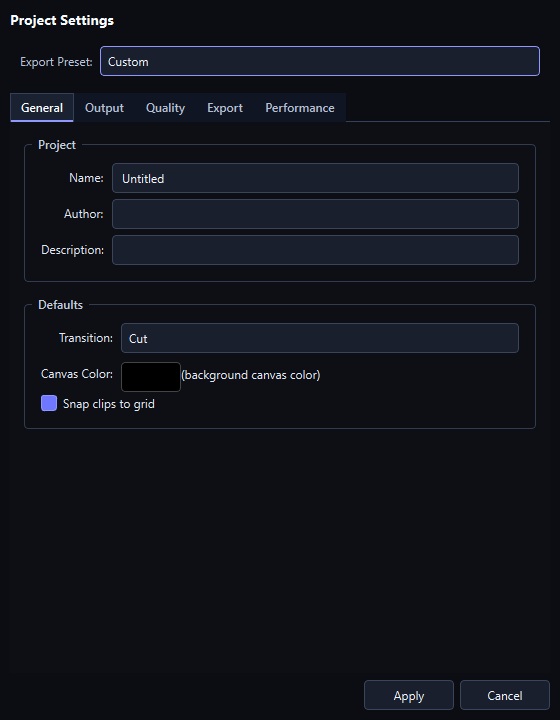
The export dialog in VJ Loop Studio 3D

Exporting VJ Loops: Presets, Codecs, and Settings That Survive the Destination

Export is where a good-looking preview becomes a file somebody else has to play. The settings that matter depend entirely on where it is going, so this guide is organised by destination rather than by dialog. Export at a glance Containers MP4, MKV, AVI, MOV, animated GIF Codecs H.264 (libx264), H.265/HEVC (libx265), VP9, MPEG-4 Resolutions HD, Full HD, 2K, 4K, 8K, or any custom size Platform presets YouTube 1080p and 4K, Instagram Square, TikTok / Reels, VJ Loop (ProRes-grade), LED Wall 4K, Draft Preview Audio The project song is muxed into the finished file unless you turn it off Looping Seamless by construction — effect motion is derived from loop phase Start from a preset The export dialog ships presets that set resolution, framerate, container, and codec in one click: ...

July 31, 2026 · 7 min · VJ Loop Studio 3D