This update is about performing, not just producing. Everything below is aimed at the moment when the lights are down, a controller is under your hands, and hunting through a menu is not an option.
Live Console
Every live setting used to live in the Live menu — screen output, Spout, NDI, output resolution, frame-rate cap, performance mode, MIDI and OSC. That is workable while you build a show and wrong during one.
Live → Live Console… (or Ctrl+Shift+L) opens all of it in one window: Output, Setlist, Performance and Control. It is a non-modal window, so you can park it on a second monitor and leave it open while you work in the main window.
The console holds no state of its own. Every control calls the same function the menu item calls, and the window re-reads the real state a couple of times a second — so the menu and the console cannot disagree, whichever one you touch.
The Setlist tab turns saved scenes into performance cues. Build the order in advance, then fire cues with GO (Ctrl+Right): the next scene is loaded and cued while the current one plays, so the change lands cleanly on a beat. Ctrl+Left steps back to the previous cue.
Blackout
There was no blackout. There is now: a button in the console, a Live menu item, and Ctrl+Shift+B.
It cuts output to actual black — every layer is dropped for the frame, so the second screen, Spout, NDI and any capture all see black rather than the last frame frozen in place. Playback keeps running underneath, so the timeline stays where it is and the show resumes in sync when you release it.
Media Pool
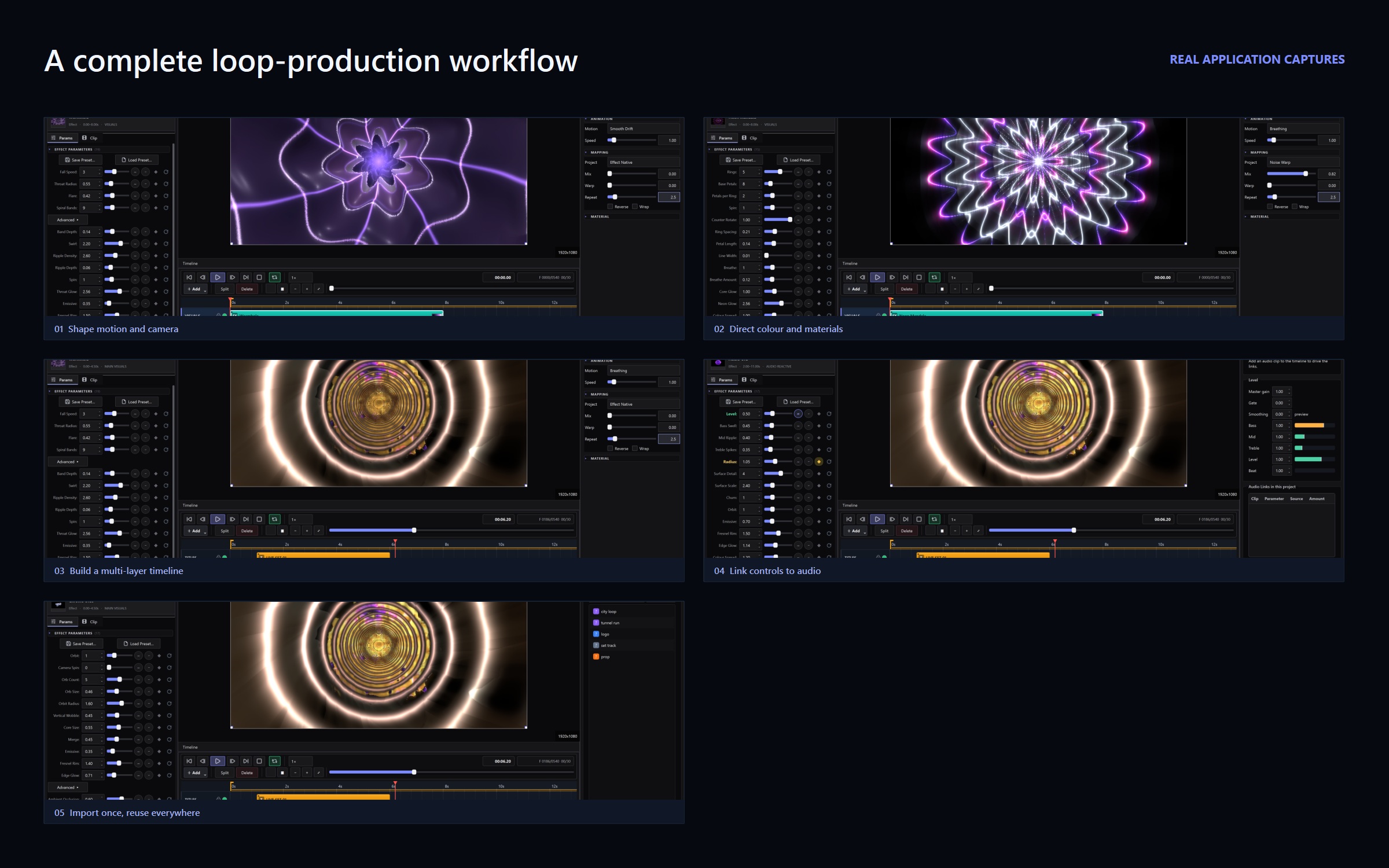
A new Media tab in the right panel. Import video, images, audio and 3D models once; place them on the timeline as often as you like.
Previously media only entered a project as a side effect of adding a clip, so the file dialog was the only view of what a project contained, and using one clip twice meant importing it twice. The pool lists everything with search and a type filter, and removing an item removes it from the list only — the file stays and any clips already using it keep working.
Projects made before this update do not open to an empty list: the pool is filled in from the media your clips already reference.
Four glitch effects
RGB Shift, Datamosh, VHS Tracking and Signal Loss — the compression-artefact family, previously missing entirely. The catalogue is now 124 effects.
All four are loop-seamless, which is the part that matters. Their jitter, block updates and static bursts advance in whole steps per loop, so nothing drifts across the seam. A glitch effect that does not rejoin is just a broken loop.
Blend modes actually blend
Add, Screen, Multiply and Subtract have been in the clip inspector for a long time. The renderer never read the setting, so every layer composited as Normal.
They work now, on the GPU, with no performance cost — the compositor keeps one pipeline per mode.
LFO and envelope modulators
A modulator button now sits beside every parameter, next to the Audio Link button. Seven shapes — sine, triangle, saw, envelope, random step, sample & hold and macro — with rate, amount, phase, smoothing, polarity and BPM sync.
Audio Link reacts to the room. A modulator is the deterministic counterpart: use it when there is no audio, or when you want motion locked to the clip rather than to what the sound system is doing.
MIDI worth plugging in
MIDI previously bound a Control Change to a numeric parameter on the currently selected clip. During a set nobody is selecting clips with a mouse.
- Pads work. Note messages are handled, with 14 global actions: blackout, play/pause, restart, tap tempo, next/previous scene, launch scenes 1–4, performance mode, Spout and NDI.
- Endless encoders work. They send a delta per click rather than a position; read as absolute, one click threw a parameter to an extreme. Both common encodings are supported, selected per binding.
- Two controllers no longer collide. Bindings carry a channel, so the same CC number from different devices maps separately.
- It runs on macOS and Linux. The MIDI dependency was pinned to Windows and buried in an optional extra, so MIDI silently did not exist anywhere else.
Scene crossfade
The scenes bar has offered Cut / 0.25s / 0.5s / 1s / 2s all along. Only the cut was real — every switch was a hard cut whatever you picked. Scenes now dissolve for the duration you choose, eased rather than linear, and the dissolve runs even when the transport is paused.
Smoother preview
Two separate problems made a fast preview look slow. The frames-per-second readout was counting interface refreshes rather than rendered frames, and it was capped, so it sat around 21 no matter what. Worse, the “Adaptive” refresh setting never adapted — it was a fixed 30 Hz.
Both are fixed. The counter reports real frames, and Adaptive now measures frame cost and runs the interface at 60 Hz when the scene allows, dropping to 30 Hz only when it genuinely needs to.
Also in this release
- Bloom now reaches effects. Effects have always authored a glow mask; the compositor discarded it, so the Bloom Emissive control did nothing for every effect, video, image and text clip.
- Transparent backgrounds are controllable. The threshold was fixed, so anything brighter than a dim wash came out fully opaque. There is now a Background Key control per clip.
- Collapsible sections in the parameter panel, which remember what you folded.
- A refreshed interface: clearer contrast, semantic colours for live and record states, and more icons throughout.
VJ Loop Studio 3D is a one-time purchase with no subscription. See pricing or browse the effect gallery.