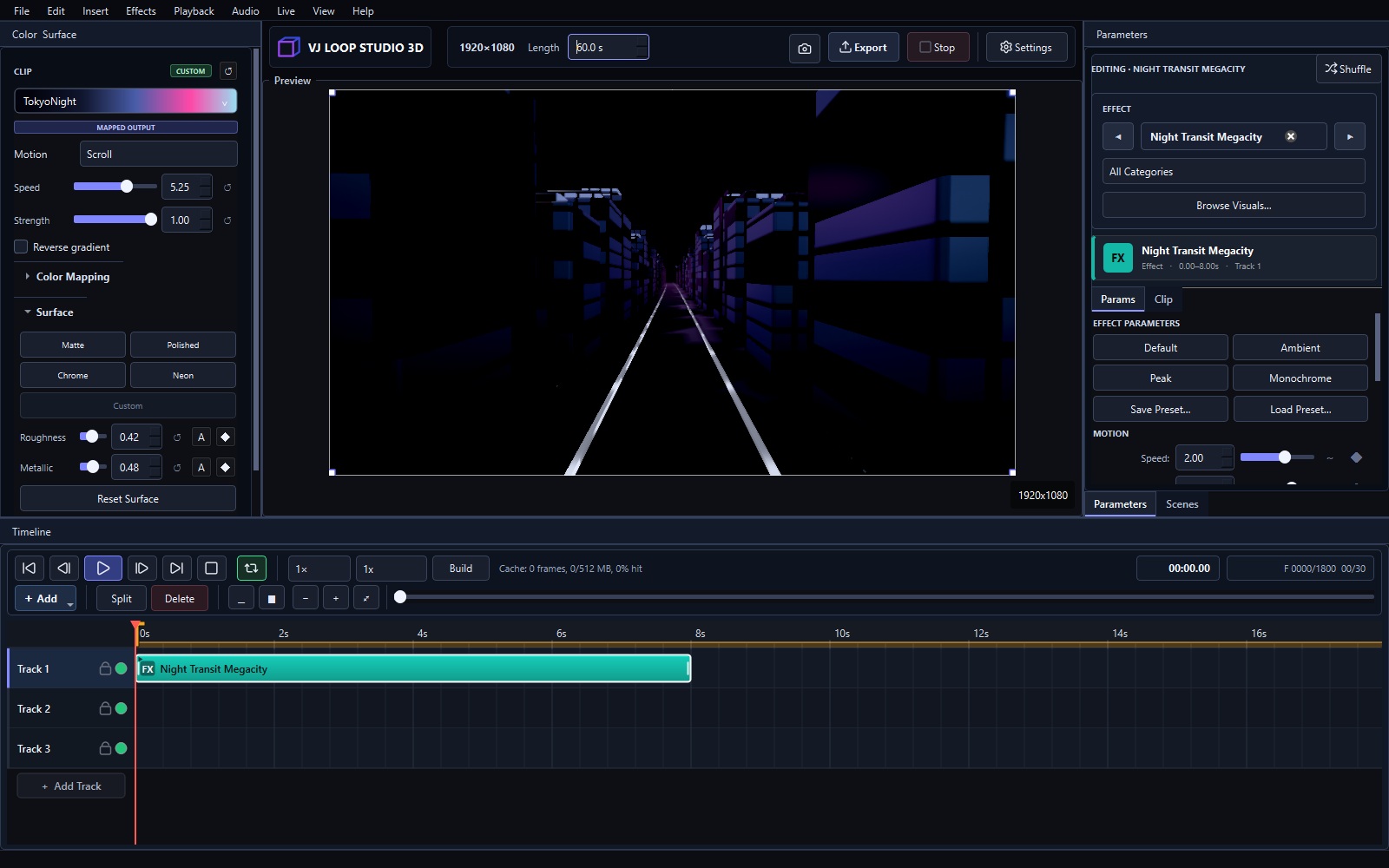
No single program covers all of VJing. The right tool depends on whether you generate visuals, mix them live, map them onto surfaces, or just need something free to start. Here are the seven tools that matter in 2026, honestly compared.
Quick Ranking
| # | Software | Price | Best for |
|---|---|---|---|
| 1 | VJ Loop Studio 3D | €99 + VAT once | Generating original VJ loops |
| 2 | Resolume Arena / Avenue | Paid (check current pricing) | Live clip mixing in clubs |
| 3 | MadMapper | Paid (check current pricing) | Projection mapping |
| 4 | TouchDesigner | Free + paid tiers | Custom interactive systems |
| 5 | OBS Studio | Free | Streaming mixed visuals |
| 6 | Synesthesia | Paid subscription | Audio-reactive live scenes |
| 7 | Magic Music Visuals | Paid | Beginner live visuals |
1. VJ Loop Studio 3D — Best for Generating Loops
124 built-in effects, multi-track timeline, audio-reactive controls, Spout and NDI live output, and video export — for a one-time €99 + VAT. If your problem is “I need original loops,” this is the fastest answer. Pricing explained · Full tutorial
2. Resolume — Best Live Clip Mixer
The club standard for triggering and mixing clips live. Deep, reliable, and priced as professional software. Generate loops in VJ Loop Studio and perform them in Resolume — see sending output to Resolume.
3. MadMapper — Best Projection Mapping
Built for mapping video onto buildings and stages. If your show is about surfaces, not clips, MadMapper is the tool. It pairs well with generated loop libraries.
4. TouchDesigner — Best Custom Systems
A visual programming environment for interactive installations. Infinitely flexible, steep learning curve. Overkill for playing loops; essential for sensor-driven work.
5. OBS Studio — Best Free Option
Free streaming and compositing. Many VJs run visuals through OBS to Twitch or YouTube. Feed it via Spout from VJ Loop Studio — see the Spout workflow.
6. Synesthesia — Best Audio-Reactive Scenes
Subscription-based live scenes driven by music. Great for performers who want play-and-go reactivity without building anything.
7. Magic Music Visuals — Best Beginner Live Tool
Approachable live visuals for newcomers. Limited ceiling compared to the tools above, but friendly on day one.
How to Choose in 30 Seconds
- Making loops? VJ Loop Studio 3D.
- Mixing clips live in a club? Resolume.
- Mapping a building? MadMapper.
- Building interactive installations? TouchDesigner.
- Streaming for free? OBS.
- Just starting out? OBS or Magic, then grow into the list.
Most working VJs combine two: a generator plus a mixer.
FAQ
What is the cheapest good VJ setup? OBS (free) fed by Spout from generated loops. Add VJ Loop Studio 3D when you want original content.
What do professionals use? Usually Resolume or MadMapper for show control, with content made in tools like VJ Loop Studio 3D, After Effects, or TouchDesigner.
Is free VJ software enough? For streaming and learning, yes. For original commercial content and live-output reliability, paid tools earn their price quickly.
See the pricing · Make your first loop · Read the user guide