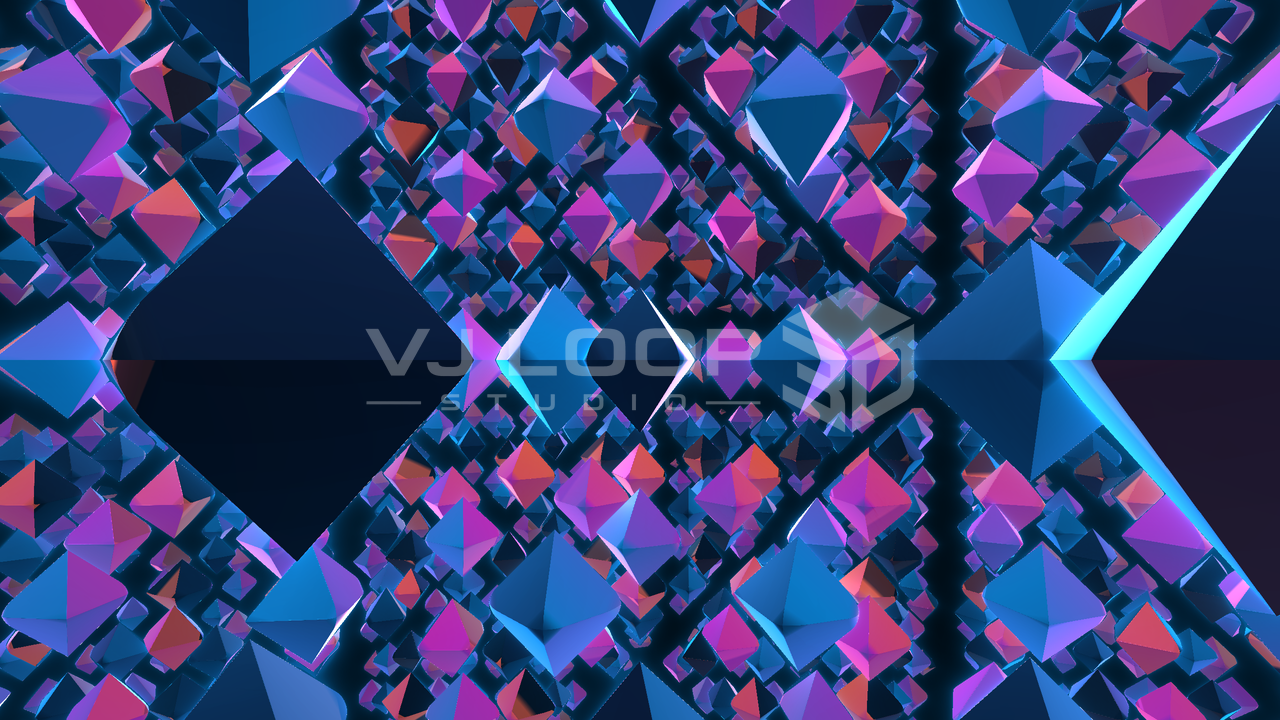
Faceted crystal field rendered in VJ Loop Studio 3D

Fractals, Crystals, and Liquid Geometry: The Raymarched Effects

These are the effects where the app is doing real 3D rather than drawing a clever pattern. Each describes a shape as a distance function and walks a ray into it, so the lighting, perspective, and occlusion are genuine. They cost more per pixel than the tunnels and stage effects, and they look it. Raymarched effects at a glance Catalogue 124 effects total, across eight groups Covered here Fractal Cosmos, Box Fold Dimension, Blob Fusion, Crystal Dimension, Quantum Grid, Organic Fluids, Tron Organic, Retro Sphere Rendering Signed-distance raymarching on the wgpu pipeline, with PBR lighting Cost Higher than the screen-space effects — use Performance Mode or a preview-quality drop while editing Looping Seamless; motion derives from loop phase, not wall-clock time Fractals Fractal Cosmos A kaleidoscopic fold — box fold plus ball fold — applied in the wall space of a tunnel, so the corridor you fly down is itself a fractal. Depth scrolls the fold rather than scrolling a texture, which is why detail keeps appearing at every scale as you approach instead of just getting bigger. ...
July 31, 2026 · 7 min · VJ Loop Studio 3D
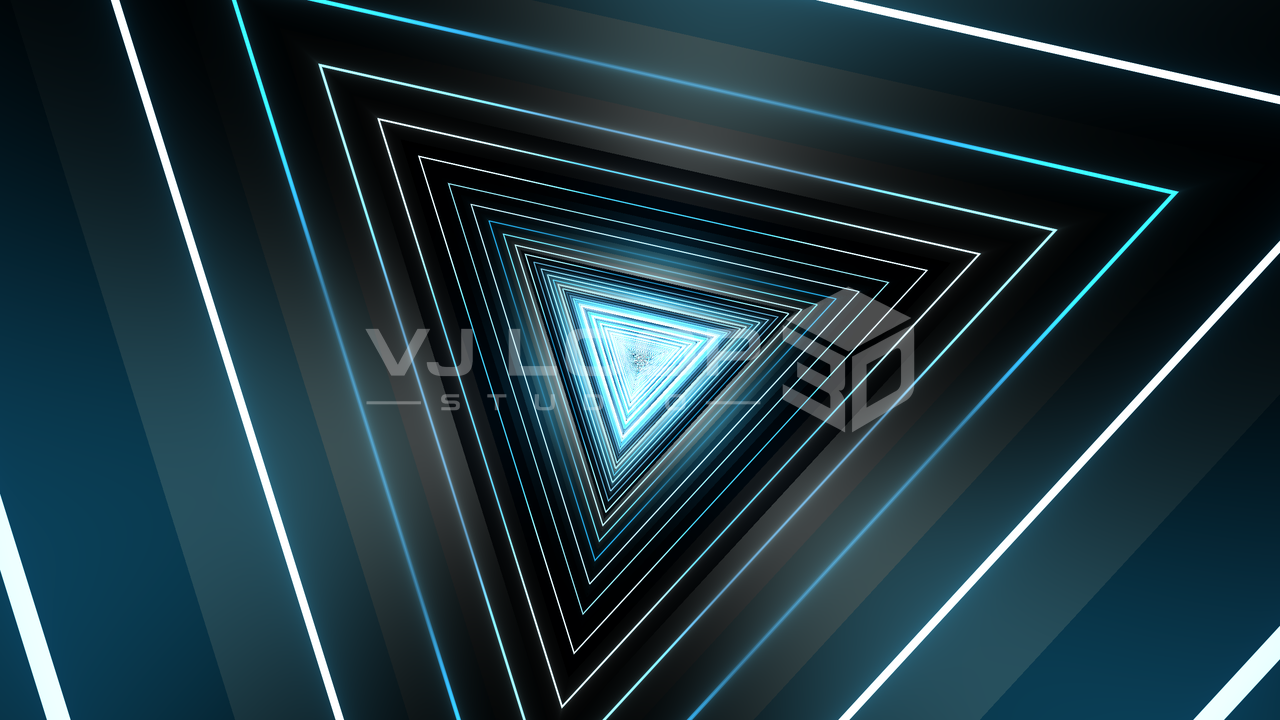
Neon triangle tunnel rendered in VJ Loop Studio 3D

Neon Tunnel VJ Loops: The 3D Tunnel Effects and How to Shape Them

The 3D Tunnels group is now 18 effects, and it is the fastest route to a usable club loop in this app. They share a family resemblance — a corridor rushing at the camera, neon against black — but they are built differently, and the differences decide which one suits a given track or venue. The tunnel family at a glance Tunnels in the catalogue 18, inside a total of 124 effects Rendering wgpu compute/render pipeline, anti-aliased at every depth Looping Every tunnel closes on itself — no visible seam at the loop point Colour Any of the 187 palettes, plus projection and animation modes Typical output Seamless MP4 loops at up to 8K, or live via Spout/NDI What makes a tunnel look expensive Three things separate a convincing neon corridor from an obviously cheap one, and all three are handled in the shader rather than left to you: ...

July 31, 2026 · 7 min · VJ Loop Studio 3D
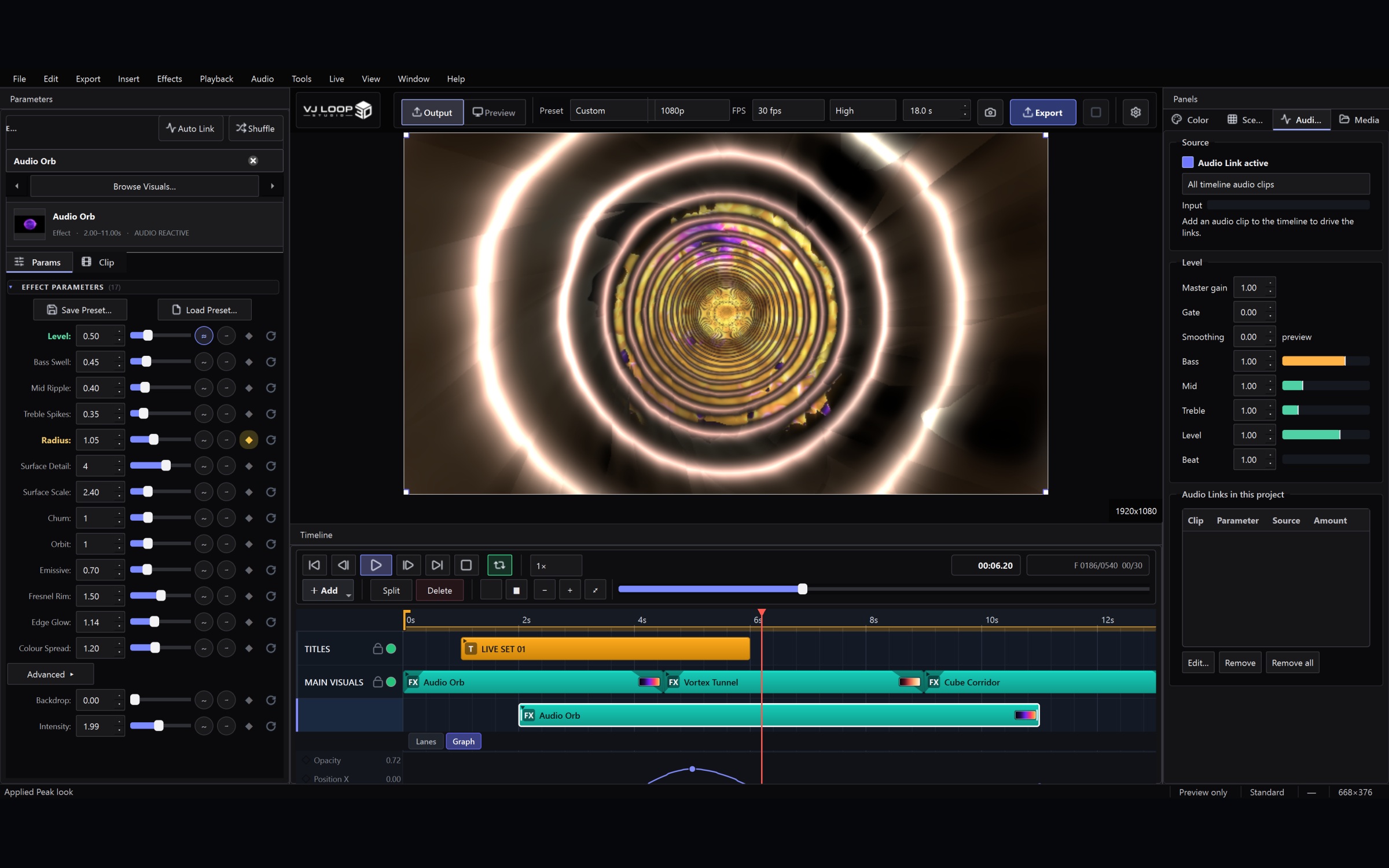
Audio-reactive setup in VJ Loop Studio 3D

Setting Up for a Live Set: Outputs, MIDI, and a Blackout You Can Trust

This is the checklist to work through before a set, in the order that matters. It assumes you already have a project with a few scenes in it. 1. Open the Live Console first Ctrl+Shift+L. Everything below lives in this one window, and it is non-modal — put it on your laptop screen with the main window on the other display and leave it open. The Status block at the top tells you what is actually going out and how fast frames are being drawn. If something is not reaching the projector, this is where you will see it. ...

July 31, 2026 · 4 min · VJ Loop Studio 3D
VJ Loop Studio 3D production workspace

Preparing VJ Loop Studio 3D Video for an LED Workflow

VJ Loop Studio 3D creates and exports standard video files. It does not configure LED controllers or send Art-Net/sACN data directly. Use the exported file in LEDEdit or another LED application only when that application supports the chosen container and codec. Match the target canvas Before designing, confirm the pixel dimensions, aspect ratio, frame rate, and accepted video formats of the target LED workflow. Enter those dimensions in Project Settings so composition decisions are made against the real canvas. ...

July 12, 2026 · 2 min · VJ Loop Studio 3D