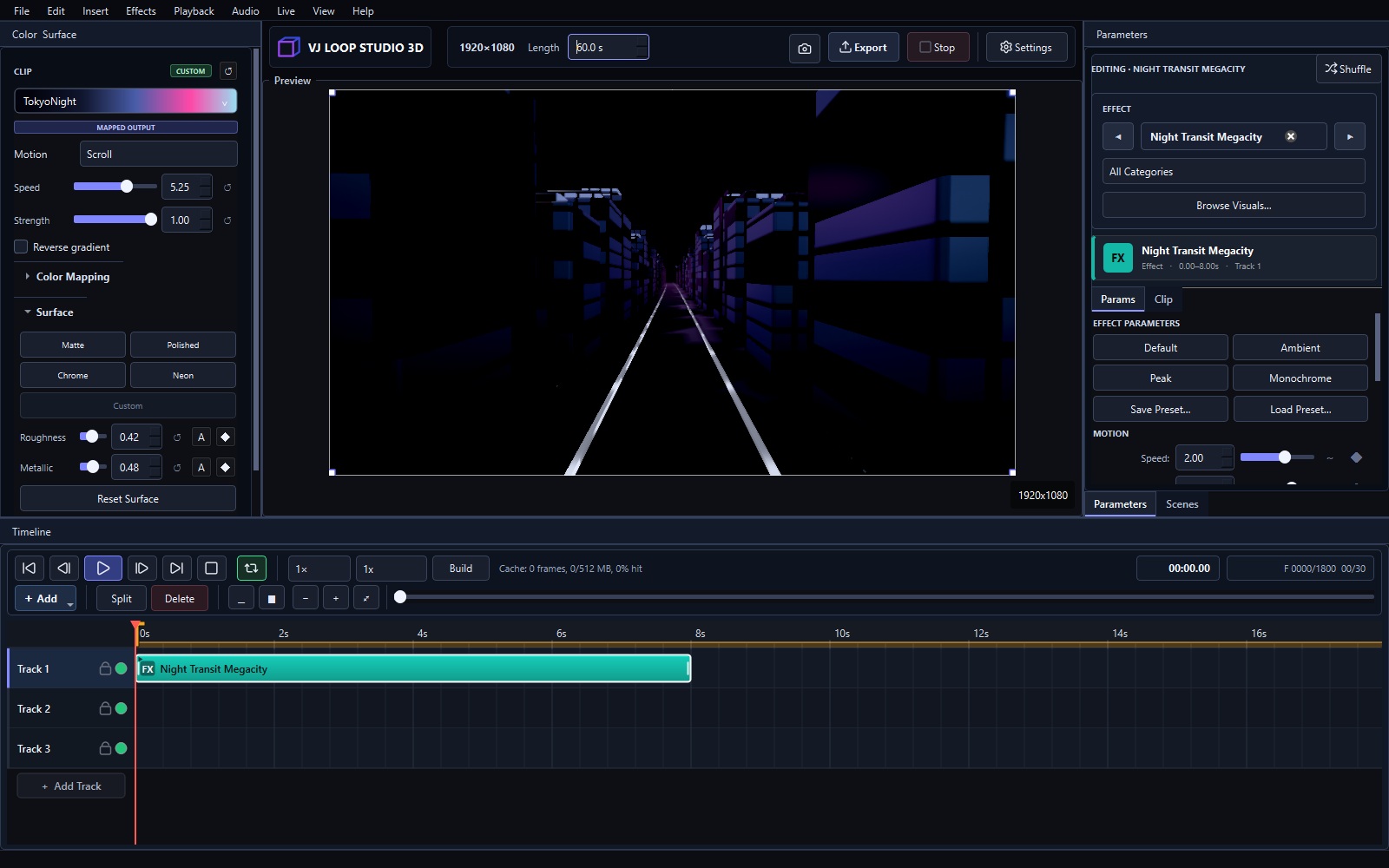
VJ Loop Studio 3D costs €99 + VAT — one payment, lifetime license. No subscription, no tiers, no locked effects. This page explains exactly what the price covers.
The Price €99 + VAT, charged once via secure checkout Lifetime use, all updates in the current generation included 124 built-in effects, timeline, audio reactivity, live output, video export — everything, no upsells See the pricing page
What’s Included All 124 built-in effects (neon tunnels, fractals, crystals, glitch families, and more) Multi-track timeline for loop composition Audio-reactive modulators and MIDI/OSC control Spout and NDI live output to Resolume, OBS, TouchDesigner, MadMapper Video export presets tuned for real destinations Commercial use of everything you create What’s Not Included Hardware, projectors, or controllers — software only A second simultaneous operator seat — one license per user Future major generations beyond the current one The Math One custom loop pack from a marketplace costs €20–40 for a few dozen clips. Two packs nearly equal VJ Loop Studio’s price — for 124 generators that each produce unlimited variations. One paid gig covers the license.
...